




About this listing
Google Chat is listed with version, update, developer, screenshots, permissions, source, and compatibility details from the available app metadata.
Before you install
- Android requirement is not listed in the current data.
- Package size is not listed in the current data.
- The source link points to a Google Play listing.
Listing evidence
Google Chat includes version Varies with device, last update Jan 30, 2026, 24 screenshots, privacy policy link in the current metadata.
The current metadata notes that permission list is not available.
Google Chat app information and review notes
Google Chat by Google LLC is listed in Business. This page organizes the available metadata into a practical review format, including version Varies with device, Android requirement not listed, update date Jan 30, 2026, rating 4.4 out of 5, and install signal 50,000,000+.
Compare business apps for communication, documents, workflow, CRM, invoicing, and team operations while checking account requirements, data handling, and permissions. For Google Chat, use the details below as a checklist before you decide whether the app fits your device, privacy expectations, and use case.
Use case fit
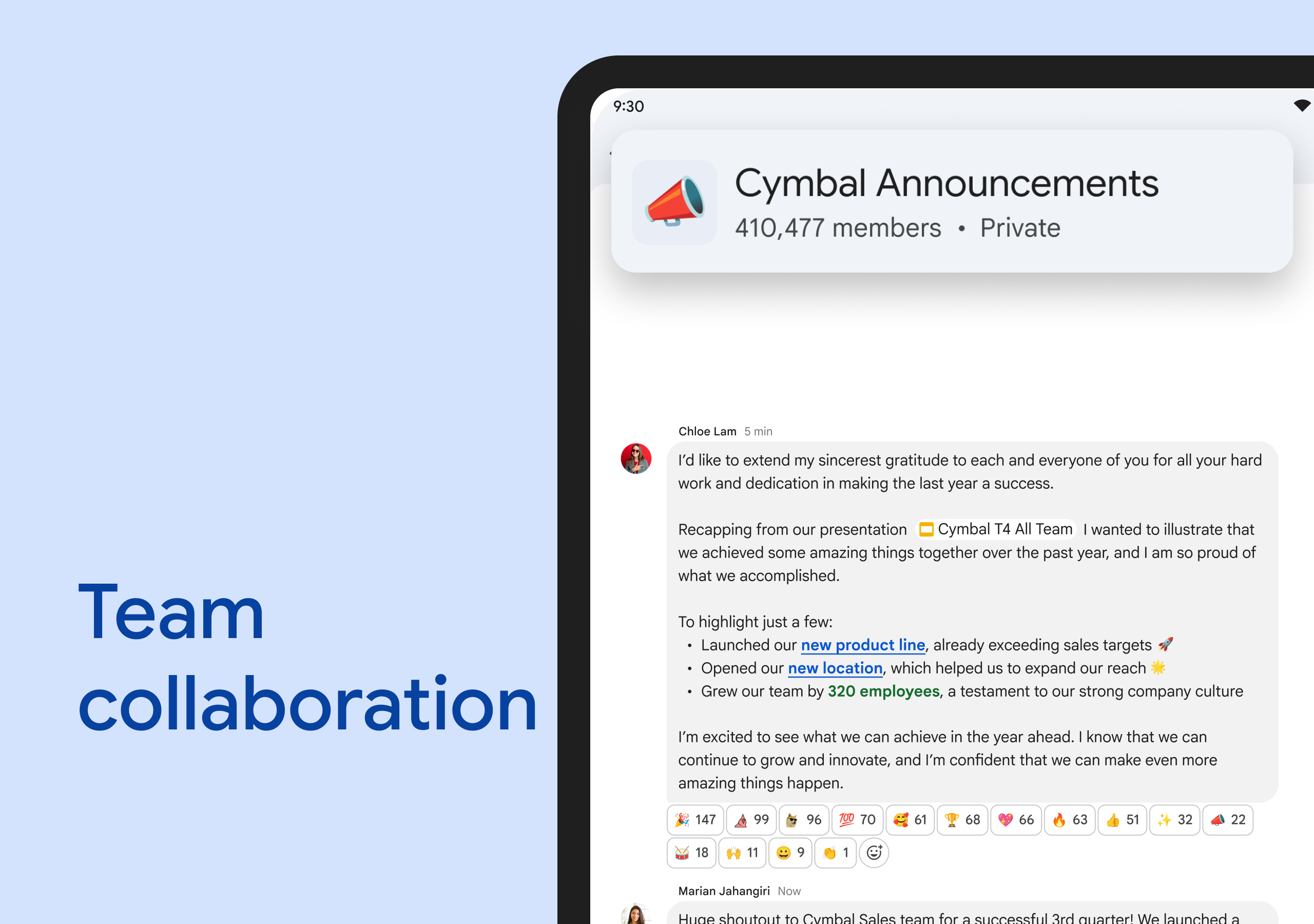
Google Chat is summarized as: "Collaborate seamlessly with Google Chat, part of Google Workspace" Compare that promise with the screenshots, category, update notes, and related apps before installing.
Version and compatibility
The listing shows version Varies with device, Android requirement not listed, package size not listed, and last update Jan 30, 2026. These details matter because older devices, large packages, and stale updates can change the install experience.
Privacy and permissions
Google Chat does not include a permission list in the current metadata, so review the source listing and Android install prompt carefully.
Review checklist
- Confirm the developer name and source listing before installing.
- Review version, Android requirement, package size, and update date.
- Compare requested permission access with the feature you actually need.
- Read recent change notes and ratings as signals, not as guarantees of safety.
App description
AI-first messaging & collaboration, transformed by Gemini
• Stay on top of things with conversation summaries
• Automatically translate messages across more than 120 languages
• Find what you’re looking for with AI-powered search
• Capture action items so the whole team is on the same page
Everything teams need to stay connected and get work done
• Start a chat with a colleague, a group or even your whole team
• Tell your team when you’re heads-down or ready to connect with personalized status updates
• Share detailed updates with audio & video messages
• Connect in real-time, anytime with huddles
The full power of Workspace to transform your teamwork
• Integrated with Workspace apps like Gmail, Calendar, Drive, Tasks, and Meet
• Streamline teamwork with smart chips to link files, people and spaces
• Stay on top of requests, comments and approvals with the Google Drive app for Chat
• Install powerful, popular Chat apps like PagerDuty, Jira, GitHub, Workday, and many more
• Build no-code, low-code and pro-code apps with Chat APIs
Secure
• Protected by Google’s cloud-native, zero-trust architecture
• No desktop apps to patch, no data stored on end-user devices
• Keeps data safe with AI-powered data loss prevention (DLP) plus phishing & malware detection
• Migrate away from insecure legacy platforms
Chat is included as part of Google Workspace for consumer, education, and business customers.
Some premium features require a paid subscription. To learn more or start a 14-day trial, https://workspace.google.com/pricing.html.
Follow us for more:
X: https://x.com/googleworkspace
LinkedIn: https://www.linkedin.com/showcase/googleworkspace
Facebook: https://www.facebook.com/googleworkspace
Instagram: https://www.instagram.com/googleworkspace
TikTok: https://www.tiktok.com/@googleworkspace
YouTube: https://www.youtube.com/@googleworkspace
Requirements (Latest version)
• Requires Android 5.0 or higher