




About this listing
Weekly Planner - Diary, Notes is listed with version, update, developer, screenshots, permissions, source, and compatibility details from the available app metadata.
APK and source facts
Before you install
- Android requirement is not listed in the current data.
- Package size is not listed in the current data.
- The source link points to a Google Play listing.
Listing evidence
Weekly Planner - Diary, Notes includes version 8.6.2, last update Jan 5, 2026, 24 screenshots, privacy policy link in the current metadata.
The current metadata notes that permission list is not available.
FungoApp APK review notes
Weekly Planner - Diary, Notes APK listing review
Weekly Planner - Diary, Notes APK listing review
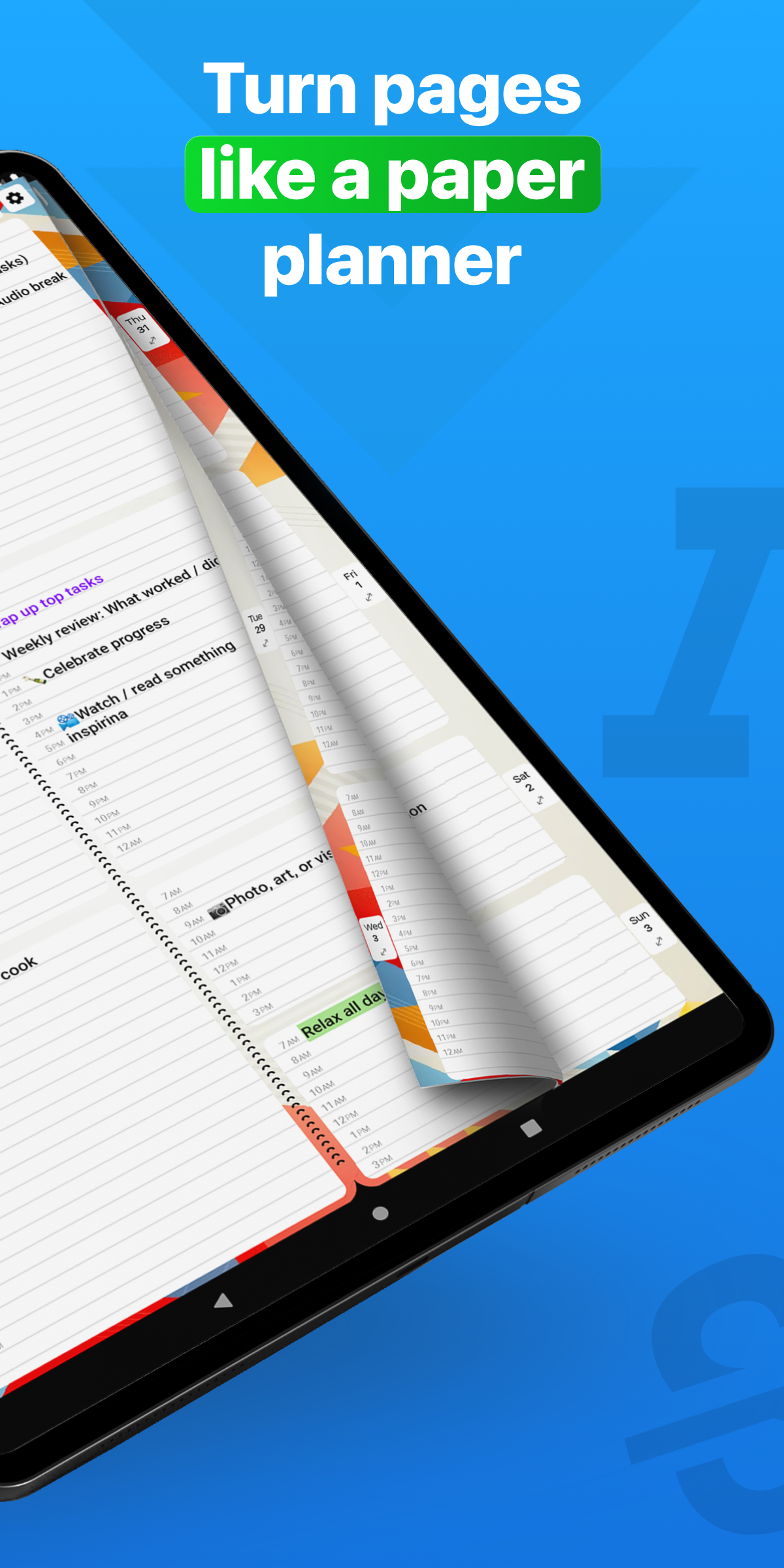
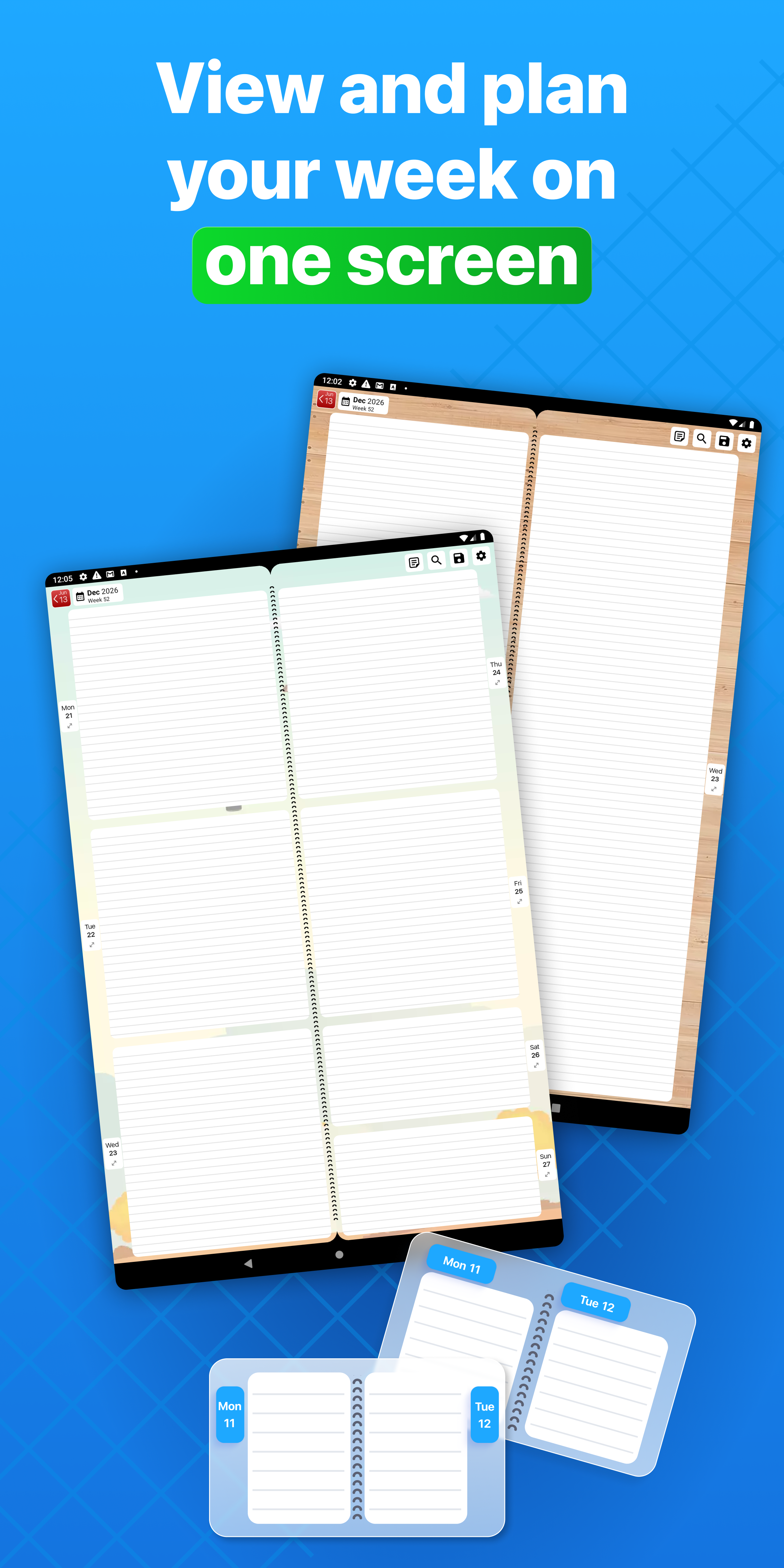
Weekly Planner - Diary, Notes is a Business app from Digital Legal Tech S.R.L. with the package name `com.weeklyplannerapp.weekplan`. The listing describes a simple digital weekly planner for appointments, to-do lists, tasks, recurring events, notes, checkmarks, future and past events, a paper-planner style view, a free version, a 7-day Pro trial, lifetime Pro purchase, password lock protection, cloud synchronization, manual or automatic saving, printable PDF versions, recurring daily, weekly, monthly, or annual events, search, copy, paste, moving entries, custom first day of week, multiple view options, app icons, page designs, font size and color settings, and other personalization features.
Listing Profile
The local metadata shows version 8.6.2, an update date of January 4, 2026, and a release date of January 19, 2018. Installs are listed at 5,000,000+ with a score around 4.29 from 39,896 ratings. The app has strong reach among users who prefer weekly visual planning.
Paper Planner Style
The app is built for people who want to see a week quickly and add tasks without filling many fields. That can be ideal for personal routines, simple work schedules, school planning, household management, and appointments that do not need complex project structure.
Pro Trial And Purchase
The listing says users can start with a free version or a 7-day Pro trial, then buy Pro for a one-time price. Readers should confirm the current price, cancellation timing, which features are free, and whether cloud sync, password lock, search, recurring events, or PDF output require Pro.
Privacy Of Plans
Weekly planners often include medical appointments, client calls, school deadlines, family events, travel, and personal goals. Password lock protection is useful, but users should still secure the device and understand how synced data is stored and deleted.
Cloud Sync And Printing
Cloud synchronization and printable PDFs help preserve planning history. They can also create extra copies of private schedules. Users should review cloud account access, backup retention, printed PDF contents, and whether old versions can be removed.
Cost And Permissions
The metadata marks Weekly Planner as free with in-app purchases and no ad-supported flag. Expected permissions may include notifications, storage or files for PDF output, network for sync, and account-related access. Calendar permissions should be explained if requested.
Review Checks
Confirm the package `com.weeklyplannerapp.weekplan`, developer name, current version, privacy policy, live permissions, free versus Pro features, sync behavior, password lock, PDF export, and purchase rules. Recent reviews should be checked for lost entries, sync issues, trial confusion, and reminder bugs.
FungoApp Review View
Weekly Planner - Diary, Notes has a clear planning niche. The review should emphasize paper-like simplicity, Pro feature clarity, schedule privacy, cloud sync control, printable copies, password lock limits, reminder reliability, and whether weekly visual planning fits the user's habits.
FungoApp review for Weekly Planner - Diary, Notes
Weekly Planner - Diary, Notes by Digital Legal Tech S.R.L. is listed in Business. This page organizes the available metadata into a practical review format, including version 8.6.2, Android requirement not listed, update date Jan 5, 2026, rating 4.3 out of 5, and install signal 5,000,000+.
Compare business apps for communication, documents, workflow, CRM, invoicing, and team operations while checking account requirements, data handling, and permissions. For Weekly Planner - Diary, Notes, use the details below as a checklist before you decide whether the app fits your device, privacy expectations, and use case.
Install decision context for Weekly Planner - Diary, Notes
Weekly Planner - Diary, Notes is best reviewed as a Business listing from Digital Legal Tech S.R.L., not as a direct APK file from FungoApp. The current signals show version 8.6.2, Android requirement not listed, last update Jan 5, 2026, rating 4.3 out of 5, install signal 5,000,000+, and monetization that does not list ads in the current data and offers in-app purchases. Use those signals together: a popular listing can still be a poor fit if the permissions, update age, or account requirements do not match your intended use.
Use-case fit analysis
Weekly Planner - Diary, Notes is presented around this purpose: "Visual calendar & to do list. Reminders, schedules and plans!" A good fit is more likely when that purpose matches the category, screenshots, version history, and the kind of access the app requests. If you only need a narrow task, compare this listing with simpler alternatives before leaving FungoApp for the external source.
Permissions and privacy interpretation
Weekly Planner - Diary, Notes does not include a permission list in the current FungoApp data. That missing field reduces review confidence, so readers should check the Android install prompt and source listing before using personal data or granting sensitive access.
Version and update interpretation
The listing shows version 8.6.2, updated Jan 5, 2026, package size not listed, and Android requirement not listed. Newer updates can indicate maintenance, but the practical question is whether the listed Android requirement fits your device and whether recent changes explain why the app needs its current permissions and storage footprint.
Screenshot review prompts
Weekly Planner - Diary, Notes includes 24 screenshots in the current listing data. Use them to confirm the interface, account prompts, ads, paywalls, editing tools, game style, or workflow before you open the source page. Screenshots are evidence of presentation, not independent proof of package behavior.
Use case fit
Weekly Planner - Diary, Notes is summarized as: "Visual calendar & to do list. Reminders, schedules and plans!" Compare that promise with the screenshots, category, update notes, and related apps before installing.
Version and compatibility
The listing shows version 8.6.2, Android requirement not listed, package size not listed, and last update Jan 5, 2026. These details matter because older devices, large packages, and stale updates can change the install experience.
Privacy and permissions
Weekly Planner - Diary, Notes does not include a permission list in the current metadata, so review the source listing and Android install prompt carefully.
Review checklist
- Confirm the developer name and source listing before installing.
- Review version, Android requirement, package size, and update date.
- Compare requested permission access with the feature you actually need.
- Read recent change notes and ratings as signals, not as guarantees of safety.
Comparison prompts
- Compare Weekly Planner - Diary, Notes's developer and source link with other Business options before installing.
- Check whether version 8.6.2 and Android not listed match your device.
- Review the source listing carefully because FungoApp does not currently have a permission list for this app.
- Compare against related listings such as Qntrl - Workflow Management and Whova - Event & Conference App for feature scope and privacy tradeoffs.
Publisher notes
- FungoApp organizes public listing metadata into review notes and comparison checklists for Weekly Planner - Diary, Notes.
- FungoApp does not host the APK file, modify the app package, or claim independent file verification from the current data.
- The 4.3 rating is positive, though rating volume and recent reviews should be checked on the source listing before treating it as a strong quality signal. 5,000,000+ installs indicate broad usage, which helps with discovery but does not prove the package is appropriate for every device or privacy expectation.
Developer-provided description
We created Weekly Planner - Diary, Notes for people frustrated by visiting multiple screens to write down an appointment or task. It’s for individuals who don’t have the time or want to add endless details about each task or appointment. They need an effortless way to see and record to-dos and events.
Open Weekly Planner and you’ll immediately see the current week. You can instantly add items to your Calendar or go to your Notes page with one tap on the Notes icon. When you finish a task, add a check.
Weekly Planner allows you to record events weeks and years in advance. You can also review your past events.
If you prefer a focused, minimalist approach to organizing your life and work, Weekly Planner - Diary, Notes app is for you.
Don’t search for paper refills for your old planner! Learn to use Weekly Planner today and easily track your tasks, appointments, goals, and priorities.
Get started
You can start with a FREE version or with a 7-day free trial of Weekly Planner's PRO version. After 7 days, you can purchase the PRO version for $5.99, if you wish. Use it for a lifetime with no monthly or annual subscription fees. Or use the FREE version as long as you like. The purchase screen will always show you the difference between FREE and PRO.
PRO Features
Optional password lock protection
Synchronize Weekly Planner with iCloud, Google Cloud, and other devices
Save manually or automatically
Save versions for printing in customizable PDFs
Create recurring events happening daily, weekly, monthly, or annually
Create recurring events on exact dates-keep track of birthdays and anniversaries
Search events and entries
Copy, paste, and move entries
Customization options available in PRO settings
Set Sunday, Monday or any other day as the first day of the week
Select a one-day, two-day, four-day, or weekly view
Select from your choice of app icons
Select a page design
Select font size and color
Additional designs are available as in-app purchases.
Contact us for help or support or to share suggestions for improving Weekly Planner at [email protected].
Requirements (Latest version)
Android requirement is not listed in the current metadata.


