

Video Preview




About this listing
Phone Battery Complication is listed with version, update, developer, screenshots, permissions, source, and compatibility details from the available app metadata.
APK and source facts
Before you install
- Android requirement is not listed in the current data.
- Package size is not listed in the current data.
- The source link points to a Google Play listing.
Listing evidence
Phone Battery Complication includes version Varies with device, last update Sep 14, 2025, 16 screenshots, privacy policy link in the current metadata.
The current metadata notes that permission list is not available.
FungoApp APK review notes
Phone Battery Complication APK listing review
Phone Battery Complication APK listing review
Phone Battery Complication is a Tools app from amoledwatchfaces with the package name `com.weartools.phonebattcomp`. The listing describes a Wear OS complication for showing phone battery percentage on a smartwatch, plus watch battery, watch battery temperature, battery voltage, phone notification icons, upcoming event complications, event timers, active sync, background service, notification sync, and calendar event sync.
Wear OS Scope
The local metadata shows a device-dependent version, an update date of September 14, 2025, and a release date of October 10, 2021. Installs are listed at 100,000+ with a score around 4.49 from 1,612 ratings. The app is only relevant for Wear OS devices on API 27 or higher and is not a standalone watch experience.
Core Convenience
The basic value is simple: glance at a watch and know the phone battery level without pulling out the phone. That is useful when commuting, exercising, traveling, or charging multiple devices. The listing says the complication normally updates every five minutes to reduce battery consumption, so users should expect slight delay unless they tap to refresh.
Setup Requirements
The listing says both phone and watch apps must be installed and launched, then the user adds the complication through a watch face customization flow. This makes compatibility important. Some watch faces may not support every complication type, and phone-watch connection quality can affect whether battery updates arrive reliably.
Sync Features Beyond Battery
Newer features include phone notification icons, upcoming events, and event timers. Those are convenient, but they expand permissions and privacy. Notification sync can reveal which apps are active, while calendar sync can expose personal appointments. Users who only need phone battery should avoid enabling extra sync features.
Cost And Permissions
The metadata marks Phone Battery Complication as free with no ads and no in-app purchases. Expected permissions may include background service, notifications, calendar, Bluetooth or nearby device behavior, and Wear OS communication. Readers should enable only the settings they understand, especially notification and calendar sync.
Battery And Accuracy
Active Sync can provide live updates and charging status, but may consume more battery than interval polling. Users should test whether the convenience is worth the extra background activity. If a watch regularly disconnects from the phone, the complication may show stale information.
Review Checks
Confirm the package `com.weartools.phonebattcomp`, developer name, current version, privacy policy, Wear OS compatibility, watch-face support, live permissions, and sync settings. Recent reviews should be checked for setup confusion, stale battery values, watch drain, notification sync issues, and calendar permission concerns.
FungoApp Review View
Phone Battery Complication is useful because it solves a small Wear OS annoyance cleanly. The review should emphasize device compatibility, five-minute refresh behavior, optional active sync, notification and calendar privacy, background battery impact, and whether the user needs more than the basic phone battery display.
FungoApp review for Phone Battery Complication
Phone Battery Complication by amoledwatchfaces™ is listed in Tools. This page organizes the available metadata into a practical review format, including version Varies with device, Android requirement not listed, update date Sep 14, 2025, rating 4.5 out of 5, and install signal 100,000+.
Browse Android utility apps by comparing the task they solve, device permissions, offline behavior, update history, and whether the tool is simple enough for repeated use. For Phone Battery Complication, use the details below as a checklist before you decide whether the app fits your device, privacy expectations, and use case.
Install decision context for Phone Battery Complication
Phone Battery Complication is best reviewed as a Tools listing from amoledwatchfaces™, not as a direct APK file from FungoApp. The current signals show version Varies with device, Android requirement not listed, last update Sep 14, 2025, rating 4.5 out of 5, install signal 100,000+, and monetization that does not list ads in the current data and does not list in-app purchases in the current data. Use those signals together: a popular listing can still be a poor fit if the permissions, update age, or account requirements do not match your intended use.
Use-case fit analysis
Phone Battery Complication is presented around this purpose: "Wear OS custom complication for Phone Battery level (%). Add to any Watch face!" A good fit is more likely when that purpose matches the category, screenshots, version history, and the kind of access the app requests. If you only need a narrow task, compare this listing with simpler alternatives before leaving FungoApp for the external source.
Permissions and privacy interpretation
Phone Battery Complication does not include a permission list in the current FungoApp data. That missing field reduces review confidence, so readers should check the Android install prompt and source listing before using personal data or granting sensitive access.
Version and update interpretation
The listing shows version Varies with device, updated Sep 14, 2025, package size not listed, and Android requirement not listed. Newer updates can indicate maintenance, but the practical question is whether the listed Android requirement fits your device and whether recent changes explain why the app needs its current permissions and storage footprint.
Screenshot review prompts
Phone Battery Complication includes 16 screenshots in the current listing data. Use them to confirm the interface, account prompts, ads, paywalls, editing tools, game style, or workflow before you open the source page. Screenshots are evidence of presentation, not independent proof of package behavior.
Use case fit
Phone Battery Complication is summarized as: "Wear OS custom complication for Phone Battery level (%). Add to any Watch face!" Compare that promise with the screenshots, category, update notes, and related apps before installing.
Version and compatibility
The listing shows version Varies with device, Android requirement not listed, package size not listed, and last update Sep 14, 2025. These details matter because older devices, large packages, and stale updates can change the install experience.
Privacy and permissions
Phone Battery Complication does not include a permission list in the current metadata, so review the source listing and Android install prompt carefully.
Review checklist
- Confirm the developer name and source listing before installing.
- Review version, Android requirement, package size, and update date.
- Compare requested permission access with the feature you actually need.
- Read recent change notes and ratings as signals, not as guarantees of safety.
Comparison prompts
- Compare Phone Battery Complication's developer and source link with other Tools options before installing.
- Check whether version Varies with device and Android not listed match your device.
- Review the source listing carefully because FungoApp does not currently have a permission list for this app.
- Compare against related listings such as SOCIAL SEARCH Profile Finder and WebUI X: Portable for feature scope and privacy tradeoffs.
Publisher notes
- FungoApp organizes public listing metadata into review notes and comparison checklists for Phone Battery Complication.
- FungoApp does not host the APK file, modify the app package, or claim independent file verification from the current data.
- The 4.5 rating is positive, though rating volume and recent reviews should be checked on the source listing before treating it as a strong quality signal. 100,000+ installs provide a modest adoption signal; compare it with category fit and developer transparency.
Developer-provided description
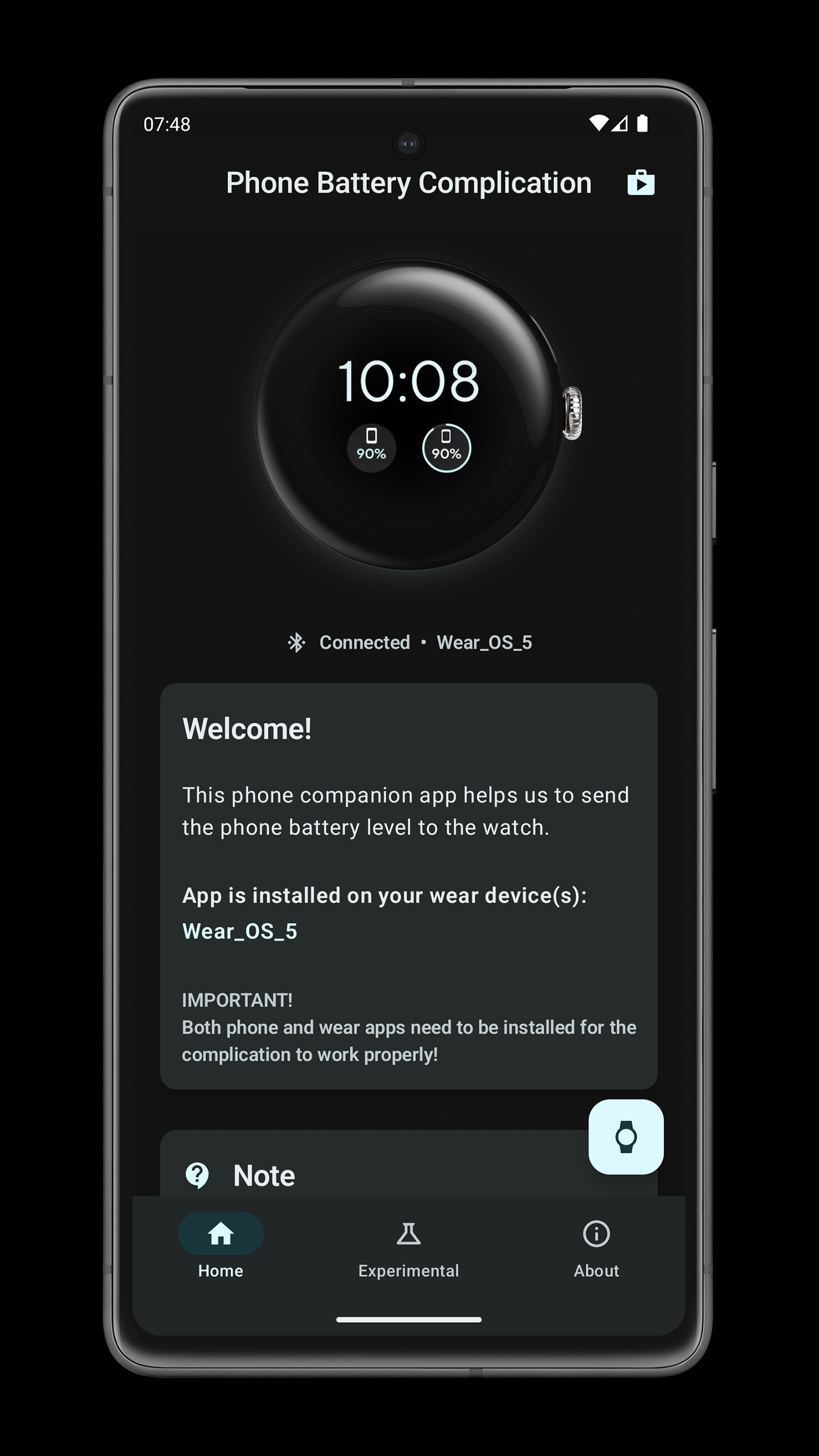
This app provides phone battery level complication for Wear OS devices. It works best on Bluetooth-connected devices but almost as well on cloud-connected devices. See your phone's battery level from your Wear OS smartwatch!
With the newest updates, the app now offers a phone notifications, upcoming event & event timer complications.
Note:
Complication automatically pulls phone battery level in 5-minute intervals in order to reduce battery consumption. This means that the displayed battery levels will not always be accurate.
For this reason, you can just tap on the complication and the battery level will update immediately, as long as your phone and watch are connected! You can also consider enabling 'Active Sync' feature.
HOW TO SET UP COMPLICATION
1. be sure to have both phone & watch apps installed & launched - Wear App is not STANDALONE!
2. on your watch - long press Watch face center
3. customize your watch face - tap customize
4. add complication - pick Phone Battery Complication
SUPPORTED COMPLICATIONS & TYPES
• Phone Battery - SHORT_TEXT, LONG_TEXT, RANGED_VALUE + TILE!
• Watch Battery - SHORT_TEXT
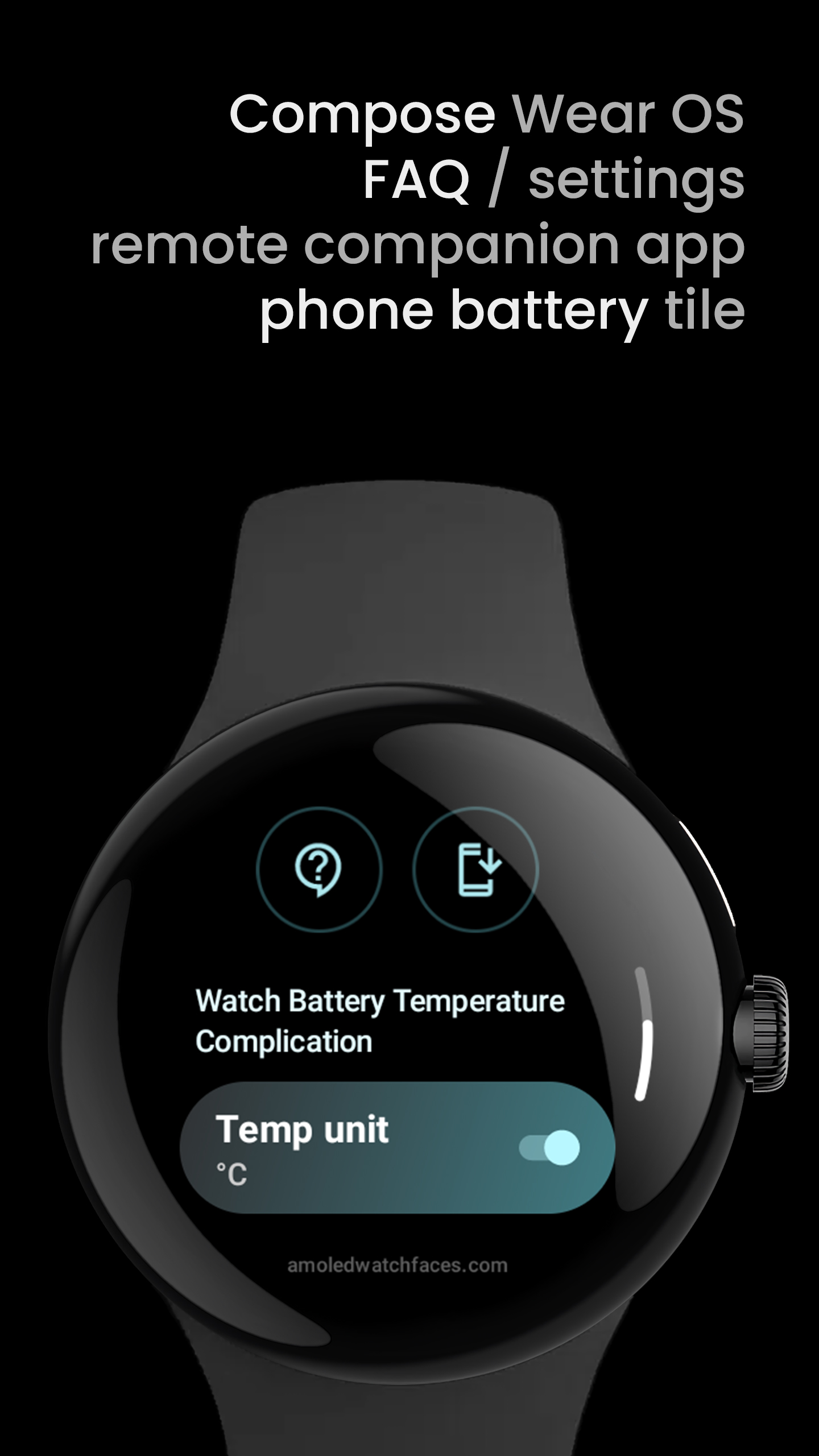
• Watch Battery Temperature - SHORT_TEXT
• Watch Battery Voltage - SHORT_TEXT
• Phone notifications* - SMALL_IMAGE / LONG_TEXT (max 8 icons - only supported in some watch faces)
• Upcoming event**- SHORT_TEXT, LONG_TEXT
• Event timer** - SHORT_TEXT, LONG_TEXT
* requires Background Service and Notifications Sync enabled
** requires Background Service and Calendar Events Sync
SETTINGS
• Background Service (mandatory to all subsequent settings)
• Active Sync - live phone battery updates + charging status (icon)
• Notifications Sync
• Calendar Events Sync + an option to choose which calendars to synchronize
ALL COMPLICATION APPS
amoledwatchfaces.com/apps
Please send any issues reports or help requests to our support address
[email protected]
Our developer page
play.google.com/store/apps/dev?id=5591589606735981545
Join our Telegram group for live support and discussion
t.me/amoledwatchfaces
amoledwatchfaces™ - Awf
Requirements (Latest version)
Android requirement is not listed in the current metadata.


