

Video Preview




About this listing
Moka POS - Aplikasi Kasir is listed with version, update, developer, screenshots, permissions, source, and compatibility details from the available app metadata.
APK and source facts
Before you install
- Android requirement is not listed in the current data.
- Package size is not listed in the current data.
- The source link points to a Google Play listing.
Listing evidence
Moka POS - Aplikasi Kasir includes version 21.4.2, last update Jan 30, 2026, 21 screenshots, privacy policy link in the current metadata.
The current metadata notes that permission list is not available.
FungoApp review for Moka POS - Aplikasi Kasir
Moka POS - Aplikasi Kasir by PT. GoTo Gojek Tokopedia Tbk is listed in Business. This page organizes the available metadata into a practical review format, including version 21.4.2, Android requirement not listed, update date Jan 30, 2026, rating 4.5 out of 5, and install signal 1,000,000+.
Compare business apps for communication, documents, workflow, CRM, invoicing, and team operations while checking account requirements, data handling, and permissions. For Moka POS - Aplikasi Kasir, use the details below as a checklist before you decide whether the app fits your device, privacy expectations, and use case.
Install decision context for Moka POS - Aplikasi Kasir
Moka POS - Aplikasi Kasir is best reviewed as a Business listing from PT. GoTo Gojek Tokopedia Tbk, not as a direct APK file from FungoApp. The current signals show version 21.4.2, Android requirement not listed, last update Jan 30, 2026, rating 4.5 out of 5, install signal 1,000,000+, and monetization that does not list ads in the current data and does not list in-app purchases in the current data. Use those signals together: a popular listing can still be a poor fit if the permissions, update age, or account requirements do not match your intended use.
Use-case fit analysis
Moka POS - Aplikasi Kasir is presented around this purpose: "Setup your Point of Sales in minutes and run your business from anywhere." A good fit is more likely when that purpose matches the category, screenshots, version history, and the kind of access the app requests. If you only need a narrow task, compare this listing with simpler alternatives before leaving FungoApp for the external source.
Permissions and privacy interpretation
Moka POS - Aplikasi Kasir does not include a permission list in the current FungoApp data. That missing field reduces review confidence, so readers should check the Android install prompt and source listing before using personal data or granting sensitive access.
Version and update interpretation
The listing shows version 21.4.2, updated Jan 30, 2026, package size not listed, and Android requirement not listed. Newer updates can indicate maintenance, but the practical question is whether the listed Android requirement fits your device and whether recent changes explain why the app needs its current permissions and storage footprint.
Screenshot review prompts
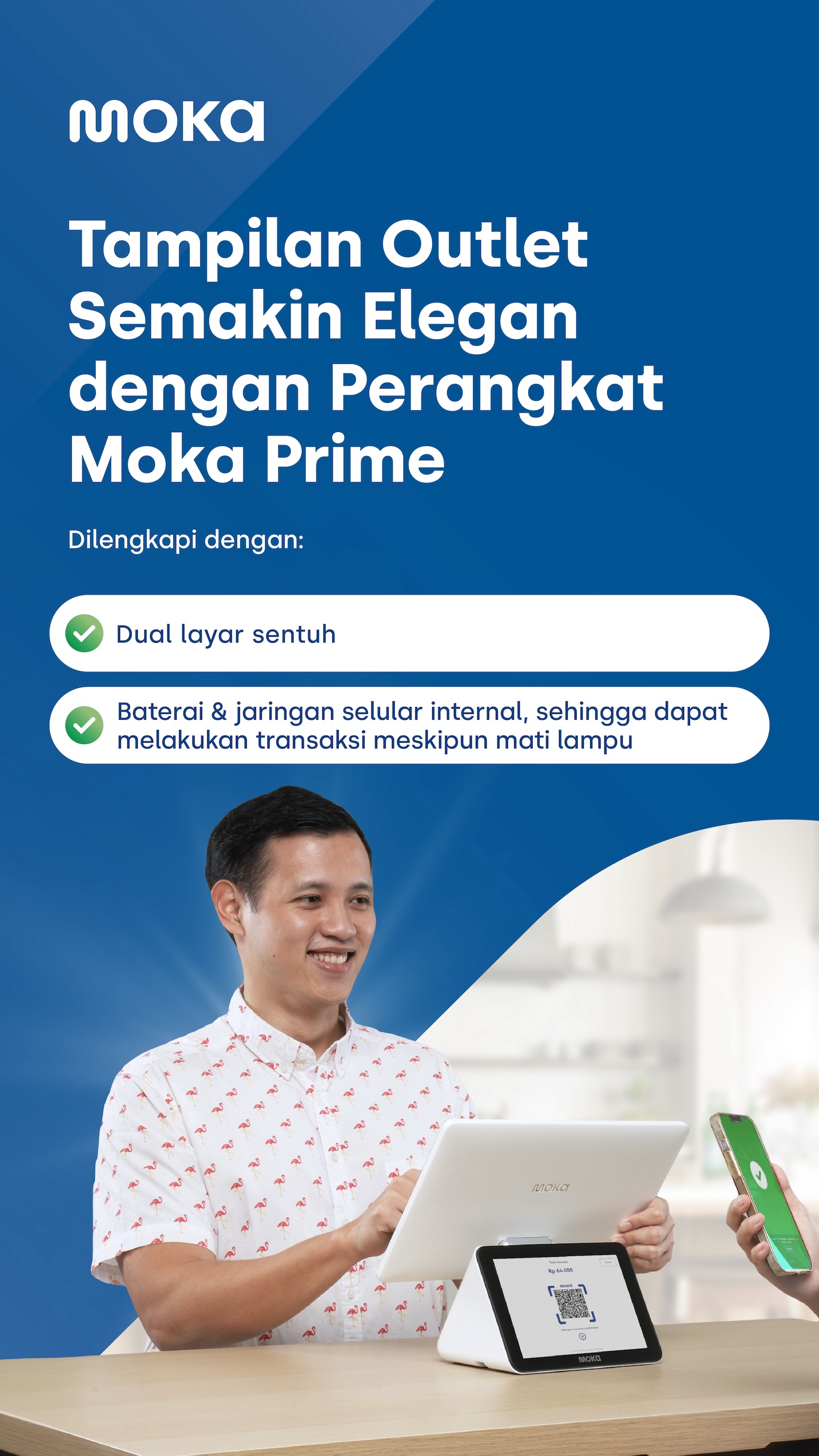
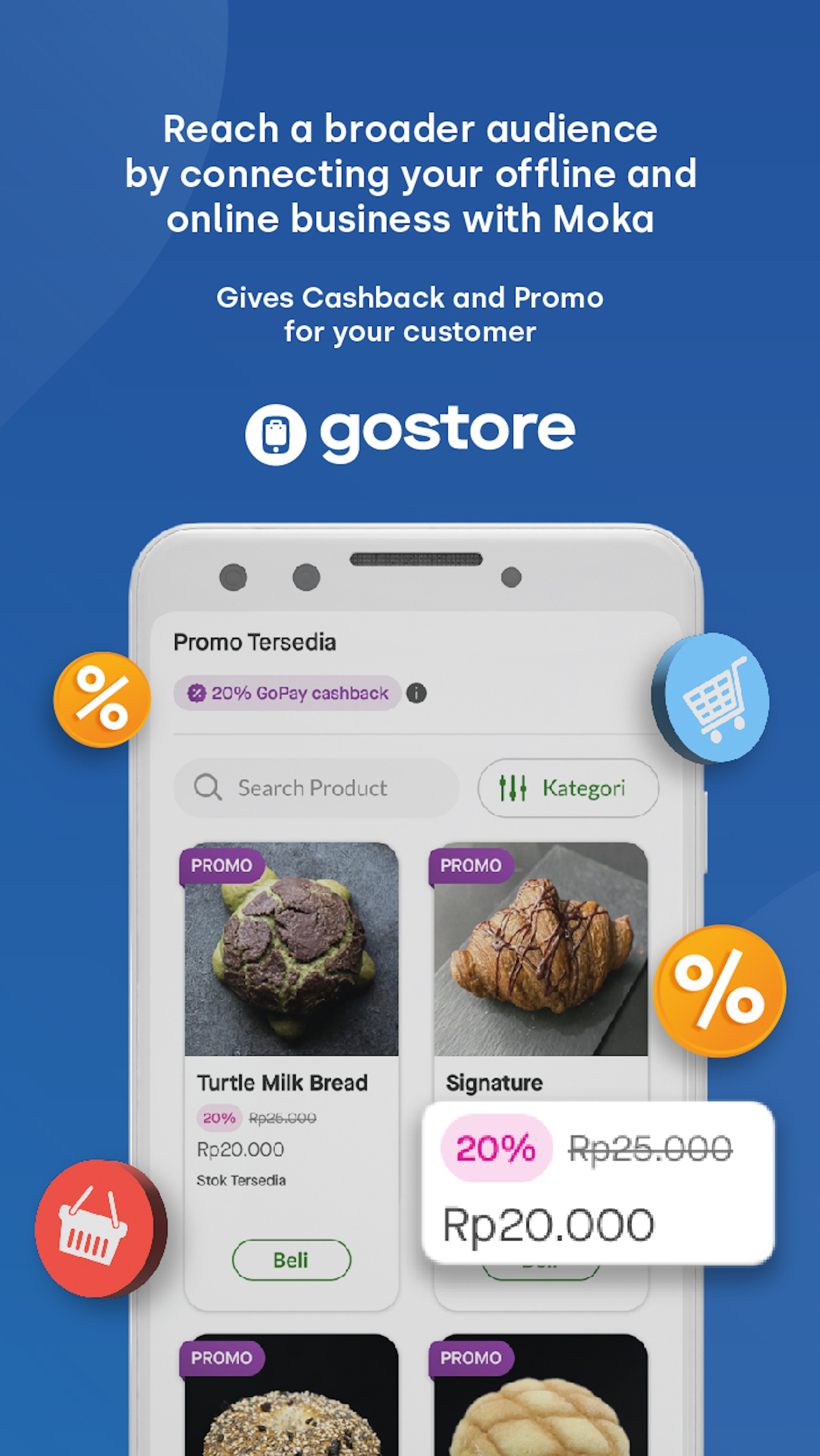
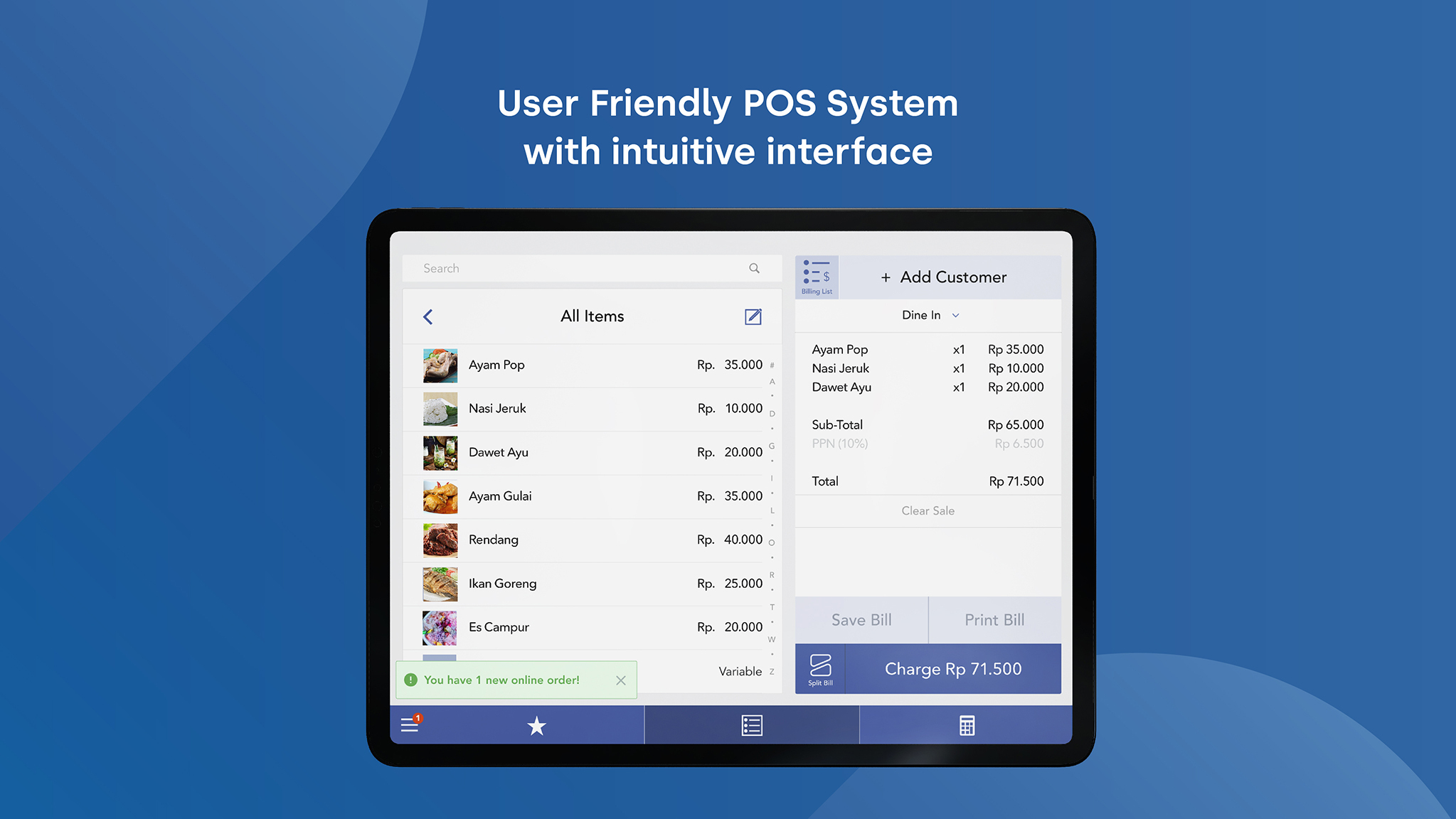
Moka POS - Aplikasi Kasir includes 21 screenshots in the current listing data. Use them to confirm the interface, account prompts, ads, paywalls, editing tools, game style, or workflow before you open the source page. Screenshots are evidence of presentation, not independent proof of package behavior.
Use case fit
Moka POS - Aplikasi Kasir is summarized as: "Setup your Point of Sales in minutes and run your business from anywhere." Compare that promise with the screenshots, category, update notes, and related apps before installing.
Version and compatibility
The listing shows version 21.4.2, Android requirement not listed, package size not listed, and last update Jan 30, 2026. These details matter because older devices, large packages, and stale updates can change the install experience.
Privacy and permissions
Moka POS - Aplikasi Kasir does not include a permission list in the current metadata, so review the source listing and Android install prompt carefully.
Review checklist
- Confirm the developer name and source listing before installing.
- Review version, Android requirement, package size, and update date.
- Compare requested permission access with the feature you actually need.
- Read recent change notes and ratings as signals, not as guarantees of safety.
Comparison prompts
- Compare Moka POS - Aplikasi Kasir's developer and source link with other Business options before installing.
- Check whether version 21.4.2 and Android not listed match your device.
- Review the source listing carefully because FungoApp does not currently have a permission list for this app.
- Compare against related listings such as Qntrl - Workflow Management and Whova - Event & Conference App for feature scope and privacy tradeoffs.
Publisher notes
- FungoApp organizes public listing metadata into review notes and comparison checklists for Moka POS - Aplikasi Kasir.
- FungoApp does not host the APK file, modify the app package, or claim independent file verification from the current data.
- The 4.5 rating is positive, though rating volume and recent reviews should be checked on the source listing before treating it as a strong quality signal. 1,000,000+ installs indicate broad usage, which helps with discovery but does not prove the package is appropriate for every device or privacy expectation.
Developer-provided description
It takes a moment to set up your cashier app. Moka Point of Sales (POS) will help you easily monitor your daily transactions and inventory real-time any time and anywhere. Manage employee access and get all the reports at your fingertip, no more hassle consolidating your weekly or monthly report manually. One stop solution for your business, all in one cashier application Moka POS.
Enjoy various business solutions of each feature here:
Basic Point-Of-Sale:
- Access your sales data and transaction history in real-time
- Record all the payments type (cash, debit/credit card, e-wallets, or any other forms)
- Send and track the invoices right away for your mobile device
- Provide open tab/bills option
- Refund features for error input
- Customize your sales promotion program
- Send the receipts through email and sms
- Connect to other hardware seamlessly (receipt printer, kitchen ticket printer, barcode scanner, GoBiz PLUS EDC, and cash drawer)
Order Management:
- Receive and process online orders from multiple platforms in Moka dashboad (now available for GoFood & GrabFood)
- Manage your menu across all ordering platforms online via Moka inventory management system
-Receive integrated offline & online order reports in Moka Back Office
Employee Management:
- Manage the shift arrangement for your employees
- Manage employee's roles and access to prevent fraud
- Find out your employee’s best performance with the sales shift data
Inventory Management:
- Customize your product by adding on variants, modifier, prices, and photos
- Track real-time inventory management and get automated alert for low-stock availability
- Manage raw and semi-finished Ingredient with Recipe to be sold as product
Customer Relationship Management (CRM):
- Create loyalty program membership for customers
- Keep track of customer data, purchase history, and feedback
- Plan your marketing strategy by utilizing the customer behaviour data
Activate multiple digital payments from Moka, free!
- Accept GoPay, OVO, ShopeePay, DANA, LinkAja, Kredivo, and Akulaku payment without any additional device
- Accept Debit & Credit Card with GoBiz PLUS EDC (sold separately) integrated with Moka POS
- Featured with ECR Link to help total order nominal directly appears on the GoBiz PLUS EDC machine without manual input, to minimize errors at the outlet
- Receive consolidated funds with T+1 settlement
Online Selling:
- Create your own store website and start selling online
- Process your GoStore orders in Moka POS
- Use and give the "Self Pick-up" option so customers don’t need to wait
Capital:
- Get access to capital loans with easy and fast application process
- Apply a custom fit loan to support your business needs
- Only cooperate with trusted partners that have been supervised by OJK
Sign in to Moka back office then set up your store, and products and add the suitable features. You can easily view the real-time dashboard report which comes up with powerful analytics that will help you improve your business. All starts from Moka POS.
Subscribe annually now and get a various promo from Moka!
For further info, please contact our team at 1500-970 or visit our website www.mokapos.com.
Requirements (Latest version)
Android requirement is not listed in the current metadata.


