

Video Preview





This is third-party app info. Not affiliated with the developer.
Pixel Brush is a pixel art creator, helping you to learn a new hobby and create merch! Unlike color by number apps, you create your own 8 bit art and use it to create merch.
This drawing app for kids and adults helps you learn to draw art! You can draw 8 and 16 bit graphics, share to the community, and gain feedback.
Import your pixel art from Aseprite into Pixel Brush, and export it back to Aseprite.
• Pinch to zoom and tap to draw
• Pick from professional built-in color palettes, or import one from Lospec
• Zooming in reveals a mini-preview (try dragging it around)
• Create beautiful animations with onion-skinning, then share your pixel animation as a GIF/MP4
• Speed up or slow down individual frames
• Layers let you separate elements of your art, handy for organization
• Share your pixel art with the friendly community, we'd love to see your creations!
• Create art on canvases up to 1024x1024
• Save unlimited color palettes (including 8 bit palettes)
Other features:
• Export and import Aseprite files
• No ads
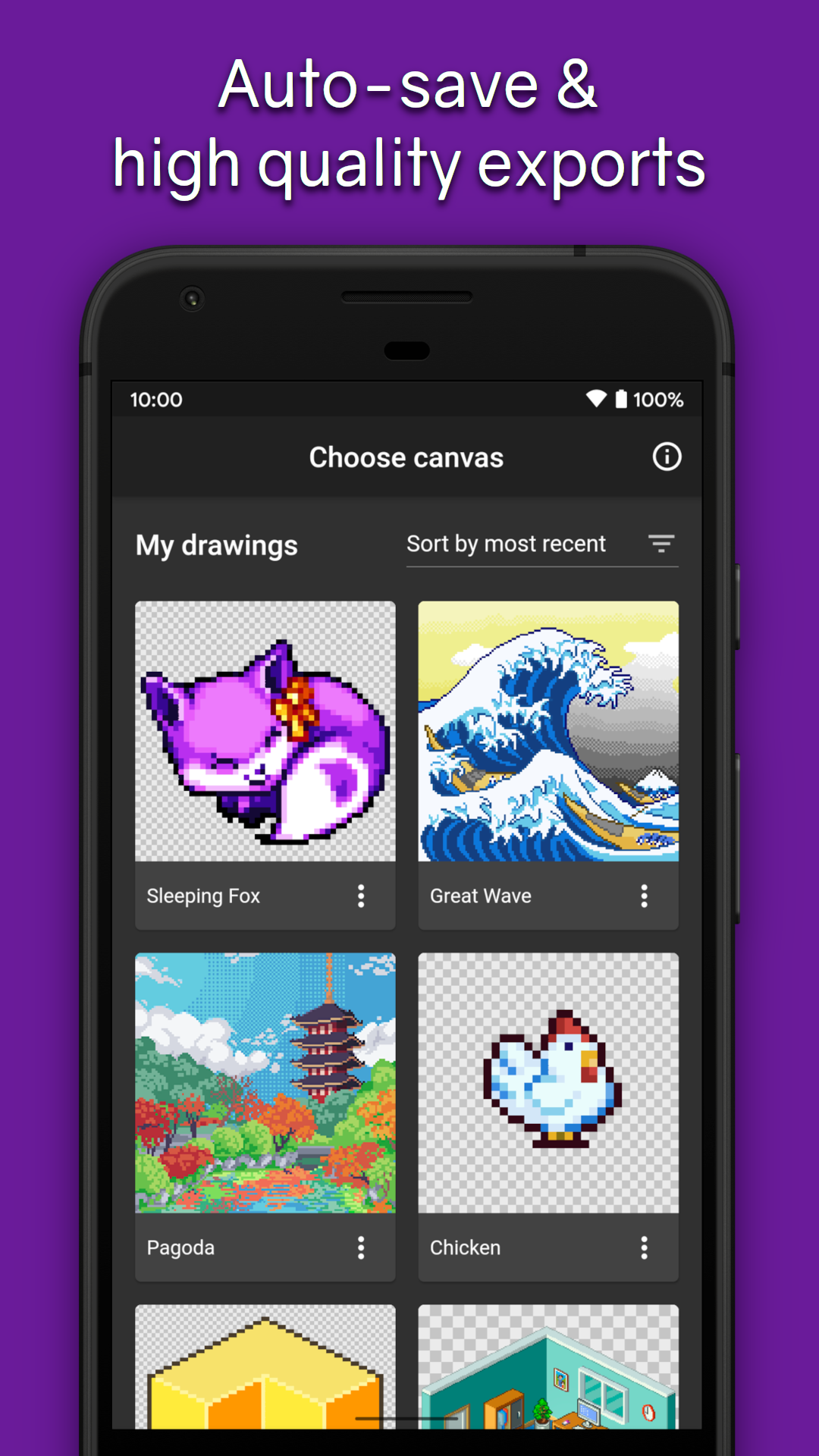
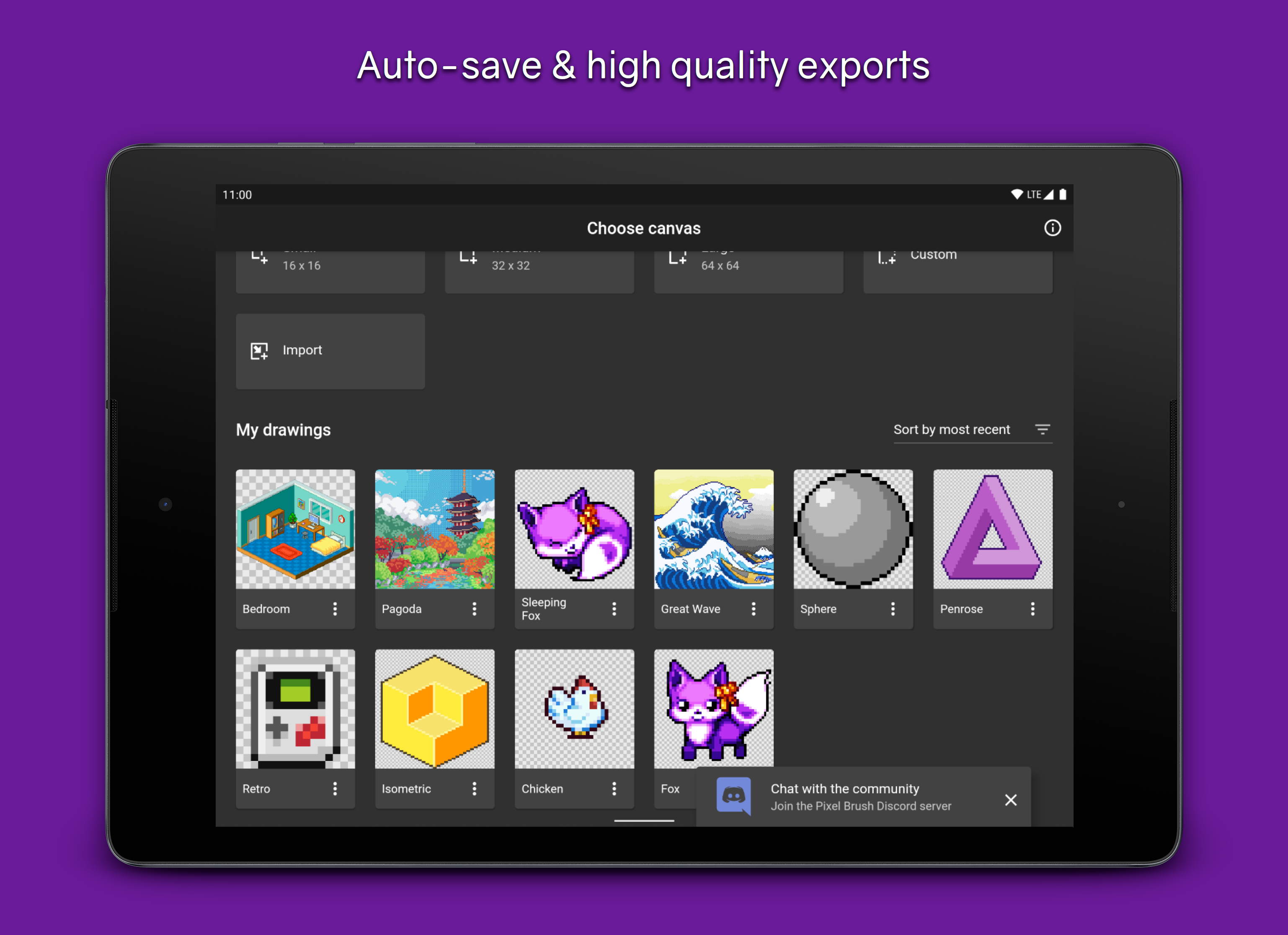
• Saving happens automatically, so you can focus on your creations
• Sharp exports with no blurring
• Create Isometric lines
• You can use a mouse if you'd prefer!
Designed for easy drawing, Pixel Brush is a pixel art creator app which can help you learn how to draw and start your new hobby!
Plenty more features are coming soon, so follow on social media (links in app) and stay tuned!
This drawing app for kids and adults helps you learn to draw art! You can draw 8 and 16 bit graphics, share to the community, and gain feedback.
Import your pixel art from Aseprite into Pixel Brush, and export it back to Aseprite.
Intuitive for beginners
• Pinch to zoom and tap to draw
• Pick from professional built-in color palettes, or import one from Lospec
• Zooming in reveals a mini-preview (try dragging it around)
Animate like a pro
• Create beautiful animations with onion-skinning, then share your pixel animation as a GIF/MP4
• Speed up or slow down individual frames
• Layers let you separate elements of your art, handy for organization
Grow as an artist
• Share your pixel art with the friendly community, we'd love to see your creations!
• Create art on canvases up to 1024x1024
• Save unlimited color palettes (including 8 bit palettes)
Other features:
• Export and import Aseprite files
• No ads
• Saving happens automatically, so you can focus on your creations
• Sharp exports with no blurring
• Create Isometric lines
• You can use a mouse if you'd prefer!
Designed for easy drawing, Pixel Brush is a pixel art creator app which can help you learn how to draw and start your new hobby!
Plenty more features are coming soon, so follow on social media (links in app) and stay tuned!
Requirements (Latest version)
• Requires Android 5.0 or higher
Information about Pixel Brush: Pixel Art Drawing 2.1.11
Basic Information
Content RatingEveryone
In-App Purchases$0.99 - $12.99 per item
Developer Contact
Security & Privacy
AdvertisingNo ads
Download Information
Downloads836.5K
ReleasedJun 13, 2018
Last UpdatedOct 3, 2025
File TypeAPK


