



About this listing
Personal Safety is listed with version, update, developer, screenshots, permissions, source, and compatibility details from the available app metadata.
APK and source facts
Before you install
- Android requirement is not listed in the current data.
- Package size is not listed in the current data.
- The source link points to a Google Play listing.
Listing evidence
Personal Safety includes version Varies with device, last update Jan 19, 2026, 10 screenshots, privacy policy link in the current metadata.
The current metadata notes that permission list is not available.
FungoApp review for Personal Safety
Personal Safety by Google LLC is listed in Tools. This page organizes the available metadata into a practical review format, including version Varies with device, Android requirement not listed, update date Jan 19, 2026, rating 3.9 out of 5, and install signal 1+.
Browse Android utility apps by comparing the task they solve, device permissions, offline behavior, update history, and whether the tool is simple enough for repeated use. For Personal Safety, use the details below as a checklist before you decide whether the app fits your device, privacy expectations, and use case.
Install decision context for Personal Safety
Personal Safety is best reviewed as a Tools listing from Google LLC, not as a direct APK file from FungoApp. The current signals show version Varies with device, Android requirement not listed, last update Jan 19, 2026, rating 3.9 out of 5, install signal 1+, and monetization that does not list ads in the current data and does not list in-app purchases in the current data. Use those signals together: a popular listing can still be a poor fit if the permissions, update age, or account requirements do not match your intended use.
Use-case fit analysis
Personal Safety is presented around this purpose: "Quickly connect to help in an emergency." A good fit is more likely when that purpose matches the category, screenshots, version history, and the kind of access the app requests. If you only need a narrow task, compare this listing with simpler alternatives before leaving FungoApp for the external source.
Permissions and privacy interpretation
Personal Safety does not include a permission list in the current FungoApp data. That missing field reduces review confidence, so readers should check the Android install prompt and source listing before using personal data or granting sensitive access.
Version and update interpretation
The listing shows version Varies with device, updated Jan 19, 2026, package size not listed, and Android requirement not listed. Newer updates can indicate maintenance, but the practical question is whether the listed Android requirement fits your device and whether recent changes explain why the app needs its current permissions and storage footprint.
Screenshot review prompts
Personal Safety includes 10 screenshots in the current listing data. Use them to confirm the interface, account prompts, ads, paywalls, editing tools, game style, or workflow before you open the source page. Screenshots are evidence of presentation, not independent proof of package behavior.
Use case fit
Personal Safety is summarized as: "Quickly connect to help in an emergency." Compare that promise with the screenshots, category, update notes, and related apps before installing.
Version and compatibility
The listing shows version Varies with device, Android requirement not listed, package size not listed, and last update Jan 19, 2026. These details matter because older devices, large packages, and stale updates can change the install experience.
Privacy and permissions
Personal Safety does not include a permission list in the current metadata, so review the source listing and Android install prompt carefully.
Review checklist
- Confirm the developer name and source listing before installing.
- Review version, Android requirement, package size, and update date.
- Compare requested permission access with the feature you actually need.
- Read recent change notes and ratings as signals, not as guarantees of safety.
Comparison prompts
- Compare Personal Safety's developer and source link with other Tools options before installing.
- Check whether version Varies with device and Android not listed match your device.
- Review the source listing carefully because FungoApp does not currently have a permission list for this app.
- Compare against related listings such as Google Lens and Google Family Link for feature scope and privacy tradeoffs.
Publisher notes
- FungoApp organizes public listing metadata into review notes and comparison checklists for Personal Safety.
- FungoApp does not host the APK file, modify the app package, or claim independent file verification from the current data.
- The 3.9 rating suggests readers should compare recent reviews, alternatives, and the app's stated purpose carefully. 1+ installs provide a modest adoption signal; compare it with category fit and developer transparency.
Developer-provided description
Features
On phones
• Emergency SOS: Get help in an emergency by pressing the power button quickly 5 times or more. Then, your phone can:
\t ◦ Call emergency services or any number you choose
\t ◦ Share your location and critical info with your emergency contacts
\t ◦ Record, back up, and share a video
• Emergency Sharing: Share your real-time location and critical info with your emergency contacts. Also works with Google Assistant.
• Safety Check: Set a check-in timer for your phone to confirm you’re safe. If you don’t respond when the timer runs out, Emergency Sharing automatically starts. Also works with Google Assistant.
• Car crash detection (Pixel phones only): Get help calling emergency services after a car crash. If your Pixel phone detects that you've been in a crash, it can call for help automatically. Not available for all countries, languages, and devices. For availability details, go to g.co/pixel/carcrashdetection.
• Crisis alerts: Get notified about natural disasters and public emergencies near you.
• Medical info and emergency contacts: You can make this info visible when your phone is locked. In supported countries, you can also choose to automatically share this info if you contact emergency services.
On Pixel Watch
• Fall Detection: Your watch can detect a hard fall and call for help.
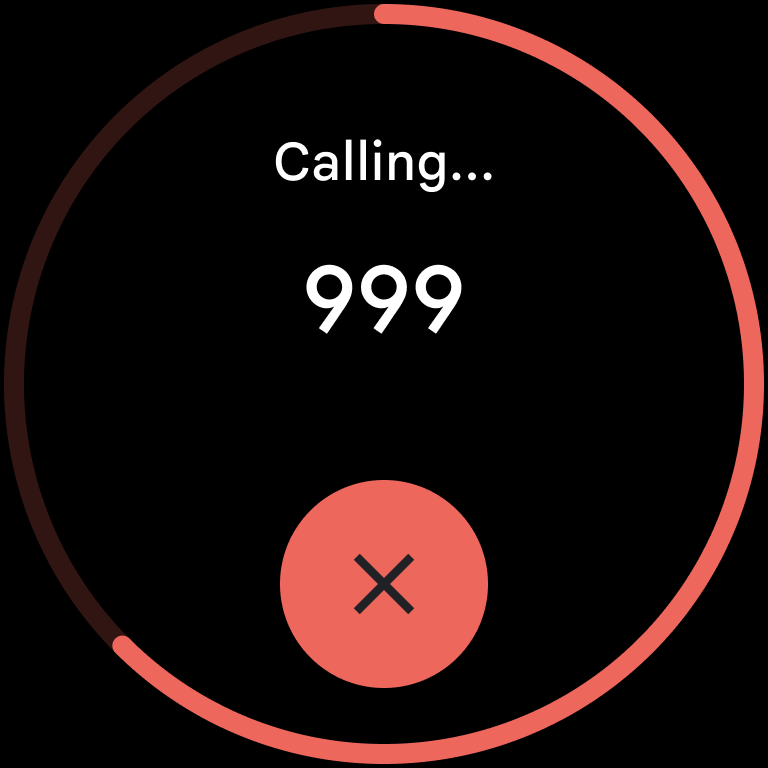
• Emergency SOS: Press the crown quickly 5 times or more to call emergency services or an emergency contact.
• Emergency Sharing, Safety Check, medical info, and emergency contacts are also available on Pixel Watch.
Requirements (Latest version)
Android requirement is not listed in the current metadata.


