



About this listing
Google Assistant is listed with version, update, developer, screenshots, permissions, source, and compatibility details from the available app metadata.
APK and source facts
Before you install
- Android requirement is not listed in the current data.
- Package size is not listed in the current data.
- The source link points to a Google Play listing.
Listing evidence
Google Assistant includes version 0.1.766117055, last update Jun 18, 2025, 6 screenshots, privacy policy link in the current metadata.
The current metadata notes that permission list is not available.
FungoApp APK review notes
Google Assistant APK listing review
Google Assistant APK listing review
Google Assistant is a Productivity app from Google LLC with the package name `com.google.android.apps.googleassistant`. The listing describes a hands-free helper for voice tasks such as opening apps, adjusting settings, turning on the flashlight, making calls, sending texts, managing emails, setting reminders, creating lists, asking questions, finding directions, controlling smart home devices, and optionally choosing Gemini as the primary Google assistant on supported devices and countries.
Listing Profile
The local metadata shows version 0.1.766117055, an update date of June 17, 2025, and a release date of October 4, 2017. Installs are listed at 5,000,000,000+ with a score around 3.78 from 1,276,740 ratings. Massive reach does not guarantee satisfaction, especially as assistant behavior shifts toward Gemini on some devices.
Hands-Free Productivity
Assistant is most useful when voice control is faster than tapping: reminders, directions, calls, texts, smart home commands, quick questions, and device settings. The value depends on speech recognition accuracy, language support, device compatibility, and whether the assistant understands the user's context without repeated corrections.
Gemini Opt-In Caveat
The listing says users can opt in to Gemini as the primary assistant in selected countries and devices, but some actions may not work right away. That is important. Users should expect feature differences between classic Assistant and Gemini and should know how to switch back in settings if key actions are missing.
Voice And Account Privacy
Voice assistants can involve microphone input, account history, contacts, calendar, location, email, messages, and smart home devices. Users should review Google activity controls, voice and audio settings, personalization, app permissions, and which household members can trigger smart home commands.
Smart Home Safety
Controlling lights, thermostats, locks, and other devices from voice can be convenient, but setup should be careful. Sensitive routines should require appropriate authentication, and shared speakers or phones should not allow unintended people to run commands that affect the home.
Cost And Permissions
The metadata marks Google Assistant as free with no ads and no in-app purchases. Expected permissions may include microphone, contacts, phone, SMS, calendar, location, notifications, and device controls depending on features. Users can limit permissions, but doing so may reduce functionality.
Review Checks
Confirm the package `com.google.android.apps.googleassistant`, developer name, current version, Google privacy policy, live permissions, Gemini availability, activity controls, and smart home settings. Recent reviews should be checked for broken routines, poor recognition, missing actions, battery use, and migration issues.
FungoApp Review View
Google Assistant is powerful because it spans phone, search, communication, and home control. The review should emphasize voice-data controls, Gemini transition limits, smart home safety, permission scope, language accuracy, account personalization, and whether the user's key commands still work after updates.
FungoApp review for Google Assistant
Google Assistant by Google LLC is listed in Productivity. This page organizes the available metadata into a practical review format, including version 0.1.766117055, Android requirement not listed, update date Jun 18, 2025, rating 3.8 out of 5, and install signal 5,000,000,000+.
Compare Android productivity apps by looking at task, note, file, calendar, sync, offline, and collaboration features alongside permission and account requirements. For Google Assistant, use the details below as a checklist before you decide whether the app fits your device, privacy expectations, and use case.
Install decision context for Google Assistant
Google Assistant is best reviewed as a Productivity listing from Google LLC, not as a direct APK file from FungoApp. The current signals show version 0.1.766117055, Android requirement not listed, last update Jun 18, 2025, rating 3.8 out of 5, install signal 5,000,000,000+, and monetization that does not list ads in the current data and does not list in-app purchases in the current data. Use those signals together: a popular listing can still be a poor fit if the permissions, update age, or account requirements do not match your intended use.
Use-case fit analysis
Google Assistant is presented around this purpose: "Get things done faster and easier" A good fit is more likely when that purpose matches the category, screenshots, version history, and the kind of access the app requests. If you only need a narrow task, compare this listing with simpler alternatives before leaving FungoApp for the external source.
Permissions and privacy interpretation
Google Assistant does not include a permission list in the current FungoApp data. That missing field reduces review confidence, so readers should check the Android install prompt and source listing before using personal data or granting sensitive access.
Version and update interpretation
The listing shows version 0.1.766117055, updated Jun 18, 2025, package size not listed, and Android requirement not listed. Newer updates can indicate maintenance, but the practical question is whether the listed Android requirement fits your device and whether recent changes explain why the app needs its current permissions and storage footprint.
Screenshot review prompts
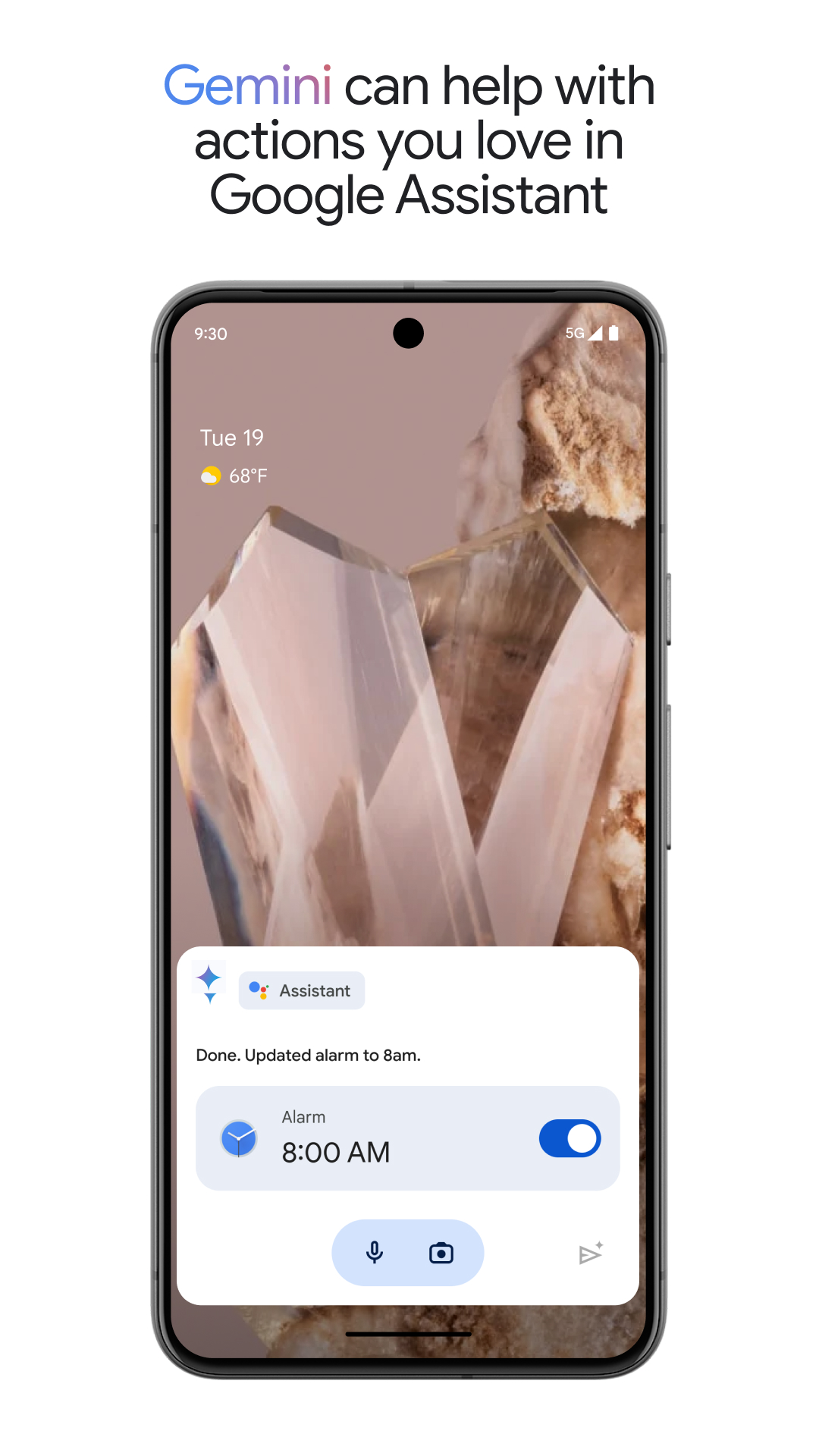
Google Assistant includes 6 screenshots in the current listing data. Use them to confirm the interface, account prompts, ads, paywalls, editing tools, game style, or workflow before you open the source page. Screenshots are evidence of presentation, not independent proof of package behavior.
Use case fit
Google Assistant is summarized as: "Get things done faster and easier" Compare that promise with the screenshots, category, update notes, and related apps before installing.
Version and compatibility
The listing shows version 0.1.766117055, Android requirement not listed, package size not listed, and last update Jun 18, 2025. These details matter because older devices, large packages, and stale updates can change the install experience.
Privacy and permissions
Google Assistant does not include a permission list in the current metadata, so review the source listing and Android install prompt carefully.
Review checklist
- Confirm the developer name and source listing before installing.
- Review version, Android requirement, package size, and update date.
- Compare requested permission access with the feature you actually need.
- Read recent change notes and ratings as signals, not as guarantees of safety.
Comparison prompts
- Compare Google Assistant's developer and source link with other Productivity options before installing.
- Check whether version 0.1.766117055 and Android not listed match your device.
- Review the source listing carefully because FungoApp does not currently have a permission list for this app.
- Compare against related listings such as Google NotebookLM and Google Keep - Notes and lists for feature scope and privacy tradeoffs.
Publisher notes
- FungoApp organizes public listing metadata into review notes and comparison checklists for Google Assistant.
- FungoApp does not host the APK file, modify the app package, or claim independent file verification from the current data.
- The 3.8 rating suggests readers should compare recent reviews, alternatives, and the app's stated purpose carefully. 5,000,000,000+ installs indicate broad usage, which helps with discovery but does not prove the package is appropriate for every device or privacy expectation.
Developer-provided description
Get instant help with everyday tasks using just your voice. Google Assistant makes it easy to:
- Control your phone: Open apps, adjust settings, turn on the flashlight, and more.
- Stay connected: Make calls, send texts, and manage emails without lifting a finger.
- Get things done: Set reminders, create lists, ask questions, and find directions.
- Manage your smart home: Control lights, thermostats, and other devices from anywhere.*
New! Now you can also opt in to Gemini (formerly Bard) from Google Assistant and have it act as your primary assistant from Google on your phone.
Gemini is an experimental AI assistant that gives you direct access to Google’s best family of AI models unlocking new ways to assist you, while still incorporating many of the actions you love in Google Assistant today.
While some of the actions won’t work right away, we are working to support more coming soon. You will be able to switch back to Google Assistant in app settings.
Gemini opt in is rolling out to select devices and countries - opt in to Gemini from your Google Assistant or by downloading the Gemini app.
Learn more about availability:
https://support.google.com/?p=gemini_app_requirements_android
*Compatible devices required
Requirements (Latest version)
Android requirement is not listed in the current metadata.


