










About this listing
Presentation Creator is listed with version, update, developer, screenshots, permissions, source, and compatibility details from the available app metadata.
APK and source facts
Before you install
- Android requirement is not listed in the current data.
- Package size is not listed in the current data.
- The source link points to a Google Play listing.
Listing evidence
Presentation Creator includes version 5.4.7, last update Oct 8, 2025, 32 screenshots, privacy policy link in the current metadata.
The current metadata notes that permission list is not available.
FungoApp review for Presentation Creator
Presentation Creator by Desygner Pty Ltd is listed in Productivity. This page organizes the available metadata into a practical review format, including version 5.4.7, Android requirement not listed, update date Oct 8, 2025, rating 4.7 out of 5, and install signal 1,000,000+.
Compare Android productivity apps by looking at task, note, file, calendar, sync, offline, and collaboration features alongside permission and account requirements. For Presentation Creator, use the details below as a checklist before you decide whether the app fits your device, privacy expectations, and use case.
Install decision context for Presentation Creator
Presentation Creator is best reviewed as a Productivity listing from Desygner Pty Ltd, not as a direct APK file from FungoApp. The current signals show version 5.4.7, Android requirement not listed, last update Oct 8, 2025, rating 4.7 out of 5, install signal 1,000,000+, and monetization that contains ads and offers in-app purchases. Use those signals together: a popular listing can still be a poor fit if the permissions, update age, or account requirements do not match your intended use.
Use-case fit analysis
Presentation Creator is presented around this purpose: "Create awesome Presentations! Use High-Quality Templates, Graphics & Animations!" A good fit is more likely when that purpose matches the category, screenshots, version history, and the kind of access the app requests. If you only need a narrow task, compare this listing with simpler alternatives before leaving FungoApp for the external source.
Permissions and privacy interpretation
Presentation Creator does not include a permission list in the current FungoApp data. That missing field reduces review confidence, so readers should check the Android install prompt and source listing before using personal data or granting sensitive access.
Version and update interpretation
The listing shows version 5.4.7, updated Oct 8, 2025, package size not listed, and Android requirement not listed. Newer updates can indicate maintenance, but the practical question is whether the listed Android requirement fits your device and whether recent changes explain why the app needs its current permissions and storage footprint.
Screenshot review prompts
Presentation Creator includes 32 screenshots in the current listing data. Use them to confirm the interface, account prompts, ads, paywalls, editing tools, game style, or workflow before you open the source page. Screenshots are evidence of presentation, not independent proof of package behavior.
Use case fit
Presentation Creator is summarized as: "Create awesome Presentations! Use High-Quality Templates, Graphics & Animations!" Compare that promise with the screenshots, category, update notes, and related apps before installing.
Version and compatibility
The listing shows version 5.4.7, Android requirement not listed, package size not listed, and last update Oct 8, 2025. These details matter because older devices, large packages, and stale updates can change the install experience.
Privacy and permissions
Presentation Creator does not include a permission list in the current metadata, so review the source listing and Android install prompt carefully.
Review checklist
- Confirm the developer name and source listing before installing.
- Review version, Android requirement, package size, and update date.
- Compare requested permission access with the feature you actually need.
- Read recent change notes and ratings as signals, not as guarantees of safety.
Comparison prompts
- Compare Presentation Creator's developer and source link with other Productivity options before installing.
- Check whether version 5.4.7 and Android not listed match your device.
- Review the source listing carefully because FungoApp does not currently have a permission list for this app.
- Compare against related listings such as Social Post Maker & Design and ZENTRA Utility for feature scope and privacy tradeoffs.
Publisher notes
- FungoApp organizes public listing metadata into review notes and comparison checklists for Presentation Creator.
- FungoApp does not host the APK file, modify the app package, or claim independent file verification from the current data.
- The 4.7 rating with 46,708 rating entries is a useful popularity signal, but it should still be checked against update date, permissions, and the source listing. 1,000,000+ installs indicate broad usage, which helps with discovery but does not prove the package is appropriate for every device or privacy expectation.
Developer-provided description
Transform your ideas into empowered presentations with our Presentation app! Create, edit and deliver stunning slideshows right from your device. Ideal for professionals, educators, investors or anyone looking to communicate with impact. Features include intuitive design tools, customizable templates, seamless sharing and cross-device compatibility. You can create a new presentation anywhere. The easiest way to make unique presentations like a professional designer, even if you have zero design experience.
Need slides for a sales proposal, pitch deck, training deck, business report, school or university project? You’ll find them. Elevate your presentations and captivate your audience. Download now and make your message a surprise!
⭐ HOW IT WORKS:
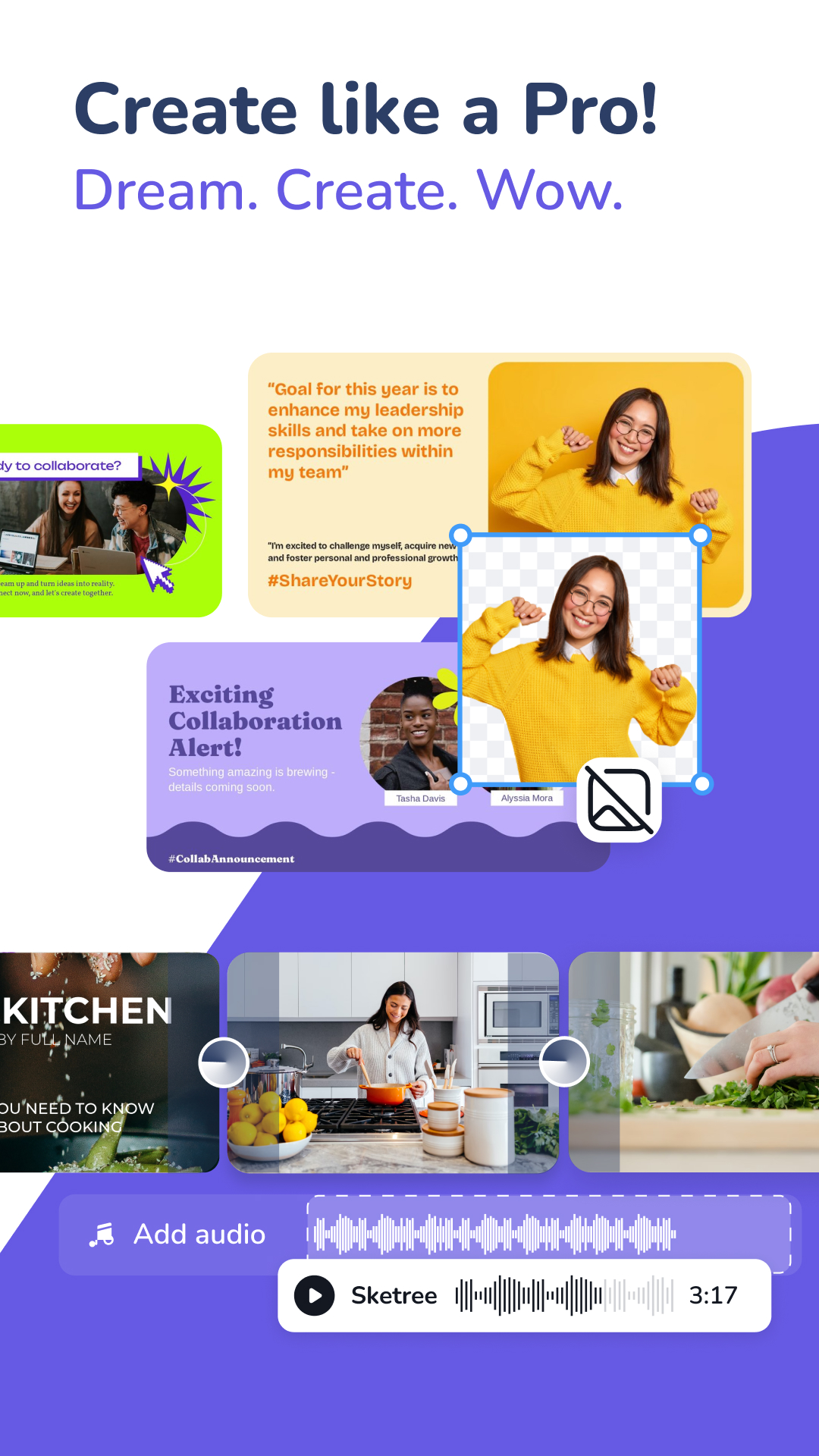
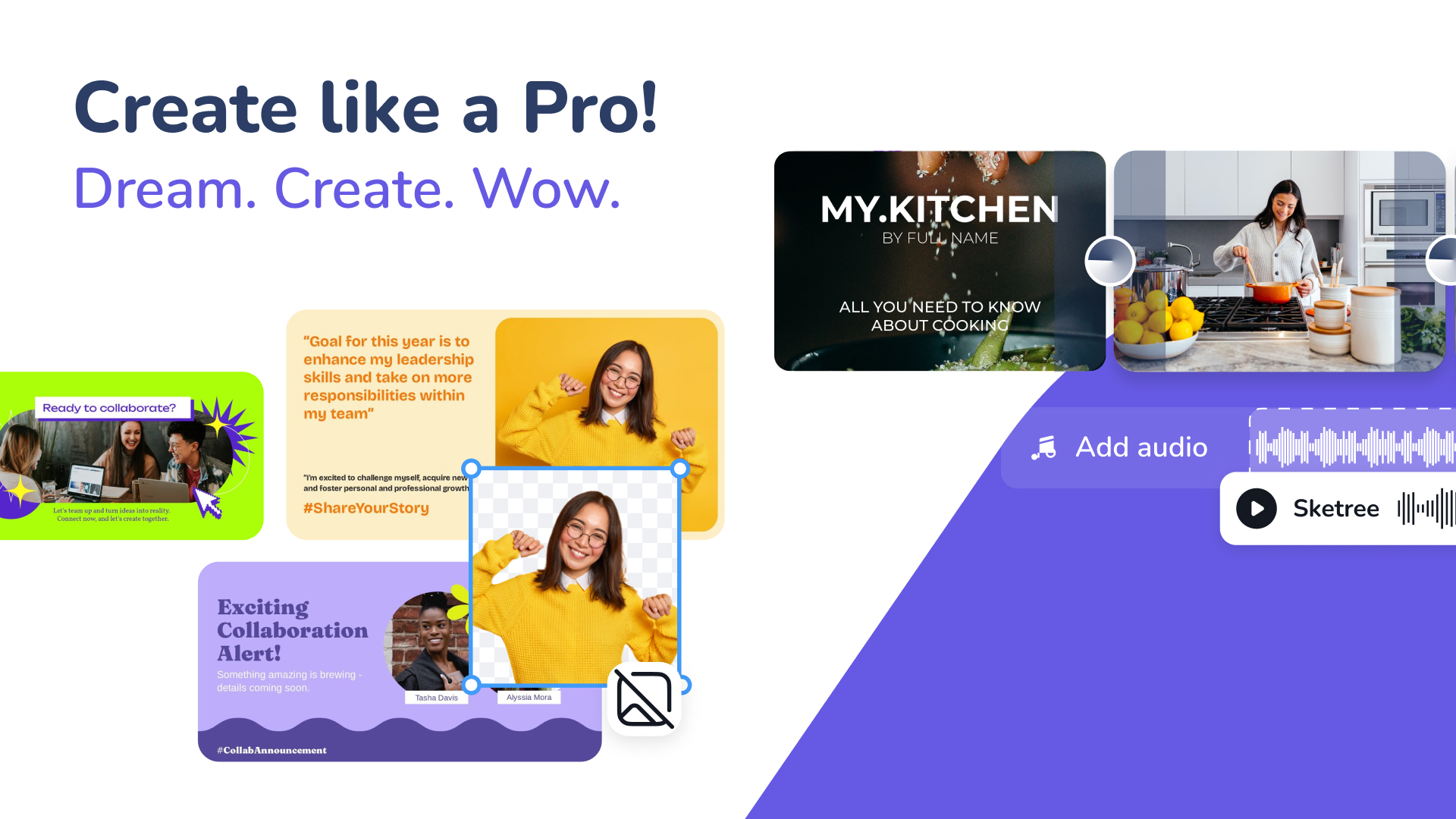
1. Choose a Presentation graphic design. The app comes with millions of features, including hundreds of templates, millions of premium and royalty-free images, fonts and more to inspire you. Need a memorable and unique presentation to impress? Now you have it!
2. Customize it how you like it. Include a logo, colors, fonts, images, resize to any format, remove background, write with AI and much more. Create an account to try its full power. Presentation Creator gives you the freedom to bring your ideas to life.
⭐ WHY USE THE PRESENTATION CREATOR
• Create visually stunning slides with ease using our intuitive design tools: No design expertise required.
• Unlimited access to Millions of professional and royalty-free templates, images, shapes, fonts, stickers and icons. Plus, our team adds new on-trend graphics each month.
• Customize Templates: Choose from a variety of professionally designed templates and tailor them to your unique style with custom fonts, colors and graphics.
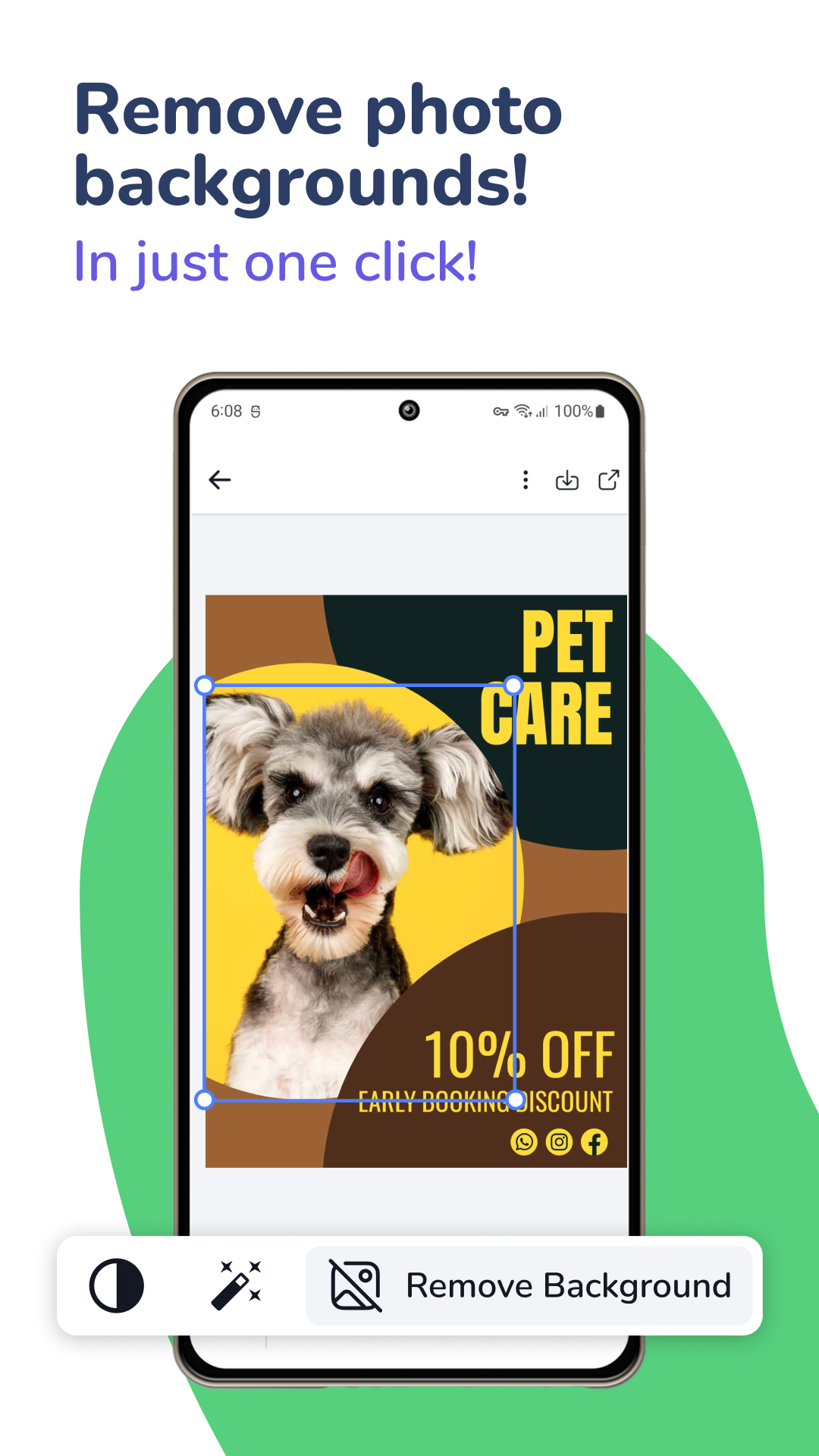
• One click Background Remover: Our powerful AI detects the background of your images and removes it in seconds.
• Download and share for free with no watermarks. All the images and graphics are yours.
• Collaboration: Collaborate with team members or classmates in real-time, ensuring seamless group presentations.
• Seamless Sharing: Share your presentations directly from the app via email, social media or shareable links. Connect with your audience with ease.
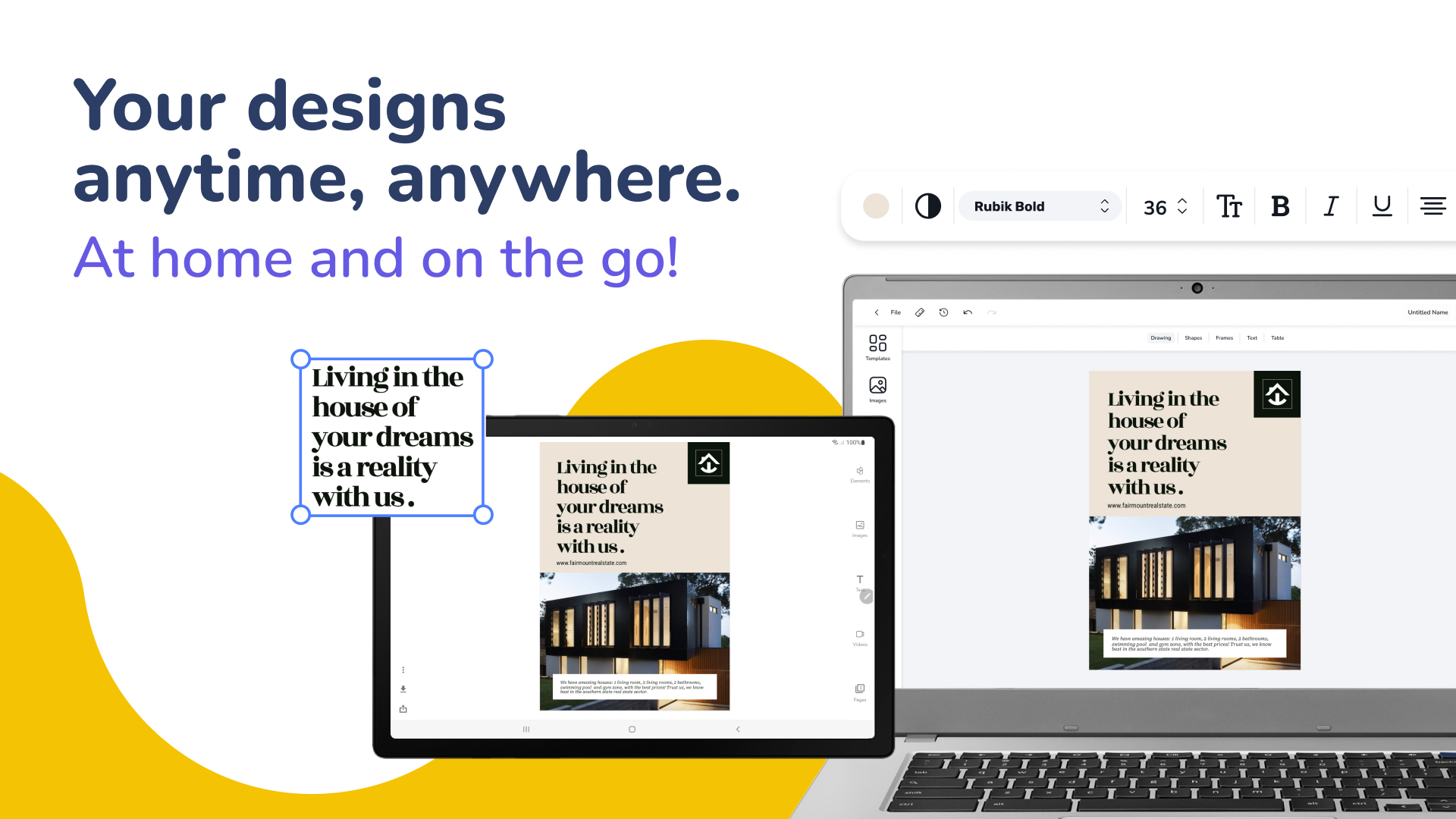
• Cross-Device Compatibility: Work on your presentations across multiple devices, for flexibility and convenience.
• Cloud Storage: Safeguard your presentations with cloud backup, ensuring you never lose your valuable work.
• Exclusive app: Specialized app for creating professional presentations with unique designs for this purpose.
🆓 INVITE 5 MEMBERS FOR FREE
• Being Pro+ you can invite 5 friends, family or team members for FREE.
• Real-time team collaboration with anyone across any device.
• Start a design on mobile & finish on your desktop later.
• Work with your team and apply changes real-time.
🎖️ DESYGNER PRO+
Looking to create more than presentations? With Desygner Pro+ you have unlimited access to millions of professional graphic designs already sized perfectly for every marketing material you need. Social media posts, ads, business cards, menus, flyers, book covers, logos and much more.
Join over 33 million people who use Desygner to create stunning and unique content. Get unlimited access today!
🚀 FREE YOURSELF TO CREATE ANY GRAPHIC YOU IMAGINED
Deliver presentations that captivate, educate and leave a lasting impression with our Presentation app. Whether you're a professional, educator or presenter, our app streamlines the process and helps you communicate your message effectively. Download now and enhance your presentation skills!
Elevate your presentations to the next level. Get it today!
Requirements (Latest version)
Android requirement is not listed in the current metadata.


