






About this listing
Ratio: Productivity Homescreen is listed with version, update, developer, screenshots, permissions, source, and compatibility details from the available app metadata.
APK and source facts
Before you install
- Android requirement is not listed in the current data.
- Package size is not listed in the current data.
- The source link points to a Google Play listing.
Listing evidence
Ratio: Productivity Homescreen includes version 7.1.5, last update Dec 22, 2025, 32 screenshots, privacy policy link in the current metadata.
The current metadata notes that permission list is not available.
FungoApp review for Ratio: Productivity Homescreen
Ratio: Productivity Homescreen by Prometheus Interactive LLC is listed in Productivity. This page organizes the available metadata into a practical review format, including version 7.1.5, Android requirement not listed, update date Dec 22, 2025, rating 3.2 out of 5, and install signal 1,000,000+.
Compare Android productivity apps by looking at task, note, file, calendar, sync, offline, and collaboration features alongside permission and account requirements. For Ratio: Productivity Homescreen, use the details below as a checklist before you decide whether the app fits your device, privacy expectations, and use case.
Install decision context for Ratio: Productivity Homescreen
Ratio: Productivity Homescreen is best reviewed as a Productivity listing from Prometheus Interactive LLC, not as a direct APK file from FungoApp. The current signals show version 7.1.5, Android requirement not listed, last update Dec 22, 2025, rating 3.2 out of 5, install signal 1,000,000+, and monetization that contains ads and offers in-app purchases. Use those signals together: a popular listing can still be a poor fit if the permissions, update age, or account requirements do not match your intended use.
Use-case fit analysis
Ratio: Productivity Homescreen is presented around this purpose: "Improve productivity and focus. Homescreen, texting app, and widgets all in one." A good fit is more likely when that purpose matches the category, screenshots, version history, and the kind of access the app requests. If you only need a narrow task, compare this listing with simpler alternatives before leaving FungoApp for the external source.
Permissions and privacy interpretation
Ratio: Productivity Homescreen does not include a permission list in the current FungoApp data. That missing field reduces review confidence, so readers should check the Android install prompt and source listing before using personal data or granting sensitive access.
Version and update interpretation
The listing shows version 7.1.5, updated Dec 22, 2025, package size not listed, and Android requirement not listed. Newer updates can indicate maintenance, but the practical question is whether the listed Android requirement fits your device and whether recent changes explain why the app needs its current permissions and storage footprint.
Screenshot review prompts
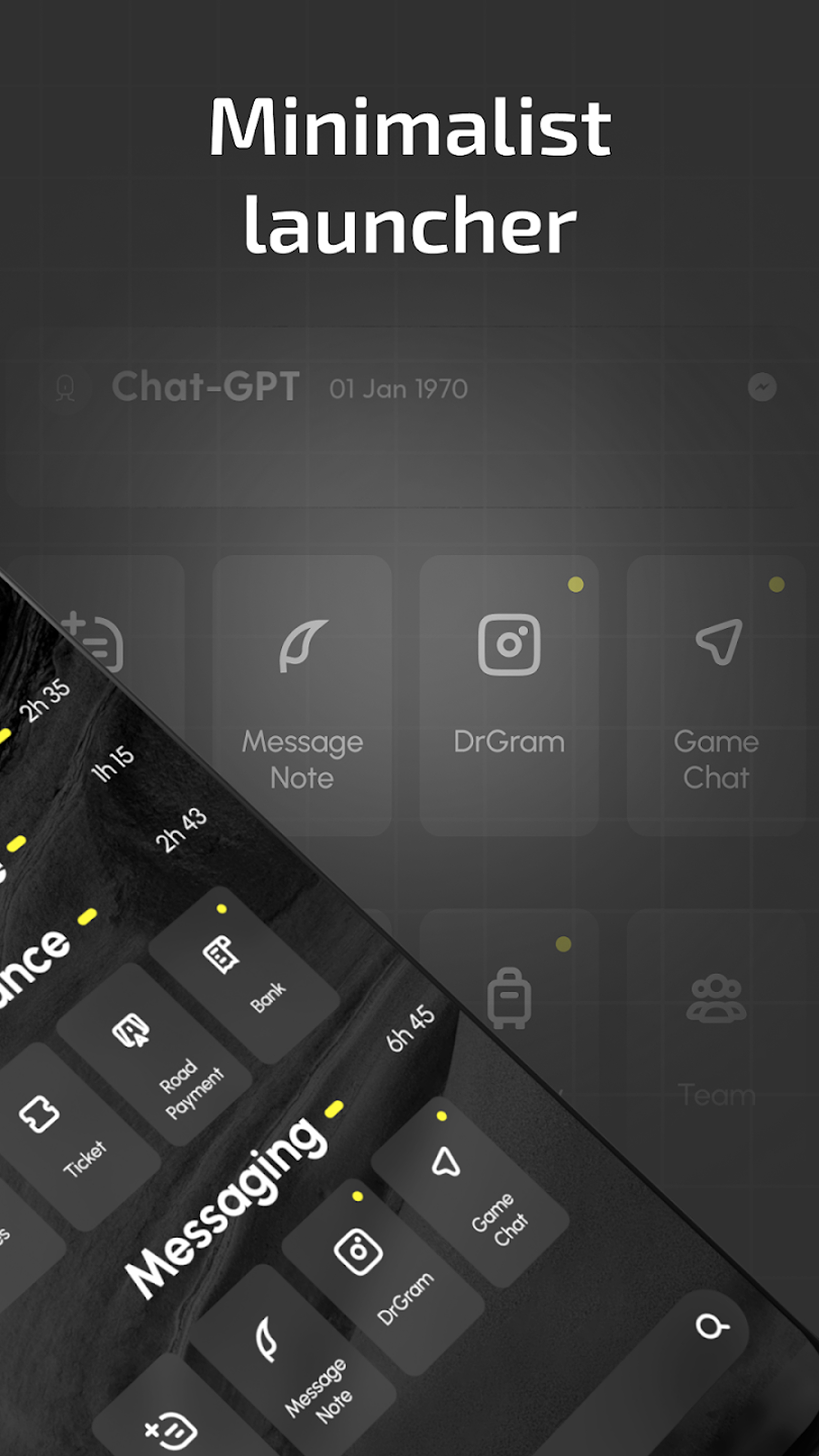
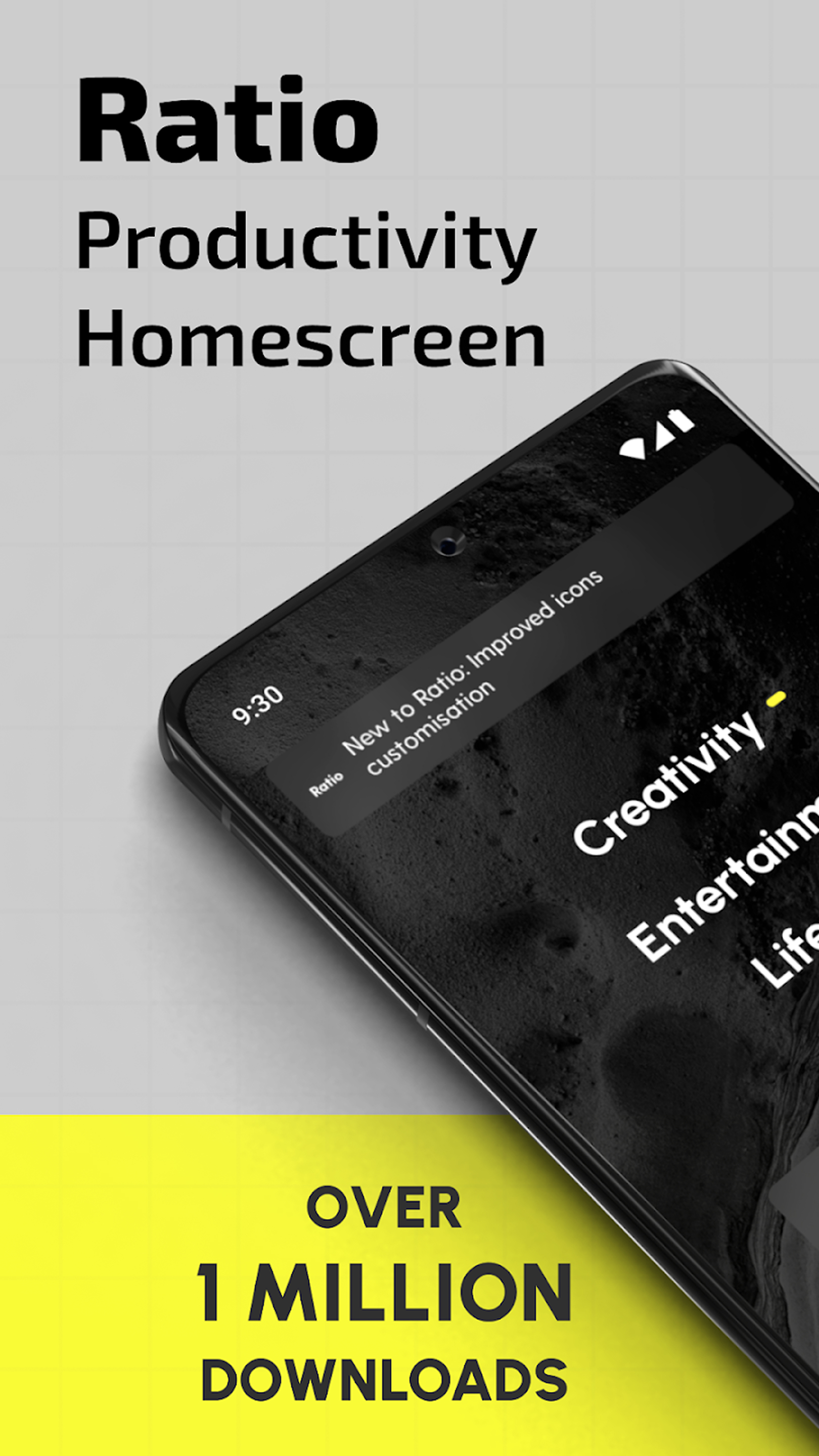
Ratio: Productivity Homescreen includes 32 screenshots in the current listing data. Use them to confirm the interface, account prompts, ads, paywalls, editing tools, game style, or workflow before you open the source page. Screenshots are evidence of presentation, not independent proof of package behavior.
Use case fit
Ratio: Productivity Homescreen is summarized as: "Improve productivity and focus. Homescreen, texting app, and widgets all in one." Compare that promise with the screenshots, category, update notes, and related apps before installing.
Version and compatibility
The listing shows version 7.1.5, Android requirement not listed, package size not listed, and last update Dec 22, 2025. These details matter because older devices, large packages, and stale updates can change the install experience.
Privacy and permissions
Ratio: Productivity Homescreen does not include a permission list in the current metadata, so review the source listing and Android install prompt carefully.
Review checklist
- Confirm the developer name and source listing before installing.
- Review version, Android requirement, package size, and update date.
- Compare requested permission access with the feature you actually need.
- Read recent change notes and ratings as signals, not as guarantees of safety.
Comparison prompts
- Compare Ratio: Productivity Homescreen's developer and source link with other Productivity options before installing.
- Check whether version 7.1.5 and Android not listed match your device.
- Review the source listing carefully because FungoApp does not currently have a permission list for this app.
- Compare against related listings such as ZENTRA Utility and Honeywell Device Utility for feature scope and privacy tradeoffs.
Publisher notes
- FungoApp organizes public listing metadata into review notes and comparison checklists for Ratio: Productivity Homescreen.
- FungoApp does not host the APK file, modify the app package, or claim independent file verification from the current data.
- The 3.2 rating suggests readers should compare recent reviews, alternatives, and the app's stated purpose carefully. 1,000,000+ installs indicate broad usage, which helps with discovery but does not prove the package is appropriate for every device or privacy expectation.
Developer-provided description
Ratio Launcher: Productivity Homescreen – Personalize Your Phone and Customize Home Screen!
Your phone organizer is a tool, and with Ratio Launcher: Productivity Homescreen, you have the option to use it efficiently. This customizer & minimalist launcher aims at reducing distractions so that you can achieve your goals with ease. Your phone will transform into a highly productive phone organizer. Ratio Launcher: Productivity Homescreen gives you the power to stay in control at all times.Your phone customizer will no longer be a distraction, but a productivity tool!
📄Key Features of Ratio Launcher: Productivity Homescreen:📄
📱 Smart phone organizer – Get instant access to grouped apps.
📱 Minimalist design – Clean and distraction free customize home screen app.
📱 Universal search – Search for apps, contacts, and other information all in one place.
📱 Time tracker – Increase productivity by controlling app usage.
📱 App Lock & App Hider – Hide your apps and keep them private.
📱 Custom widgets – Weather, notes, media player, integrated calendar, and many more.
📱 Dark mode, Light mode & Focus mode – Customize the interface according to your needs.
A smartphone productivity tool as an easy home screen customizer & minimalist launcher!
Easy Home Screen Customizer & Minimalist Launcher is not simply a home screen customizer & minimalist launcher but a powerful productivity tool.Effortless Organization with Smart Drawers:📂
With Phone Customizer, your apps can be stored in drawers which are set in pace with your lifestyle. Either allow the System to auto- sort apps into Creativity, Finance, and so on, or manually adjust them to your liking in this phone organizer. Put your most-used apps on the screen while cutting down clutter.
Privacy and Control with App Lock & App Hider:🔒
Ratio Launcher: Productivity Homescreen is all about making sure your privacy comes first. Lock off some sensitive apps to hide unnecessary ones and enjoy a distraction-free and easy home screen customizer. You can clean up your source of distraction, which will allow you to stay at work and, at the same time, take control of your device security with this phone organizer.
Custom Widgets for Productivity:📆
Ratio Launcher: Productivity Homescreen combines essential widgets Calendar, Weather, Notes, and Media Player for streamlined daily tasks to be done with utmost productivity. Customize home screen and receive instant updates without shifting between different applications.
Customize Home Screen Experience:🎨
Customization is crucial for Phone Customizer users. Pick from Dark Mode, Light Mode, Focus Mode, and Sun Mode. Whether you’re in need of a high-contrast display or a sleek minimal interface, this easy home screen customizer & minimalist launcher has a setting tailored for you.
Upgrade Your Phone Customizer Experience Today!
Ratio Launcher: Productivity Homescreen empowers you to transform your device and take command of your digital life. This phone customizer enables effortless switches between devices. Customization is crucial for Ratio Launcher: Productivity Homescreen users with features you need to reduce distractions. Maximizing productivity and improving focus has never looked so beautiful with this easy home screen customizer & minimalist launcher.Use of Accessibility Service:
This app uses the AccessibilityService API to provide the best possible experience.
- We do not collect any personal information through accessibility services.
- We will not read your screen's sensitive data or any content.
- For this app to function properly, we need the Accessibility Permission. Accessibility services are required to receive a response from the system when the top of the screen is touched to trigger the shade and to retrieve window content: Required for automatic clicking of some settings after the user chooses they want to toggle them in the app-provided interface.
Requirements (Latest version)
Android requirement is not listed in the current metadata.


