

Video Preview




About this listing
Email Client - Boomerang Mail is listed with version, update, developer, screenshots, permissions, source, and compatibility details from the available app metadata.
APK and source facts
Before you install
- Android requirement is not listed in the current data.
- Package size is not listed in the current data.
- The source link points to a Google Play listing.
Listing evidence
Email Client - Boomerang Mail includes version 0.17.003, last update Nov 14, 2025, 16 screenshots, privacy policy link in the current metadata.
The current metadata notes that permission list is not available.
FungoApp review for Email Client - Boomerang Mail
Email Client - Boomerang Mail by Boomerang (Baydin Inc.) is listed in Productivity. This page organizes the available metadata into a practical review format, including version 0.17.003, Android requirement not listed, update date Nov 14, 2025, rating 4.3 out of 5, and install signal 500,000+.
Compare Android productivity apps by looking at task, note, file, calendar, sync, offline, and collaboration features alongside permission and account requirements. For Email Client - Boomerang Mail, use the details below as a checklist before you decide whether the app fits your device, privacy expectations, and use case.
Install decision context for Email Client - Boomerang Mail
Email Client - Boomerang Mail is best reviewed as a Productivity listing from Boomerang (Baydin Inc.), not as a direct APK file from FungoApp. The current signals show version 0.17.003, Android requirement not listed, last update Nov 14, 2025, rating 4.3 out of 5, install signal 500,000+, and monetization that does not list ads in the current data and does not list in-app purchases in the current data. Use those signals together: a popular listing can still be a poor fit if the permissions, update age, or account requirements do not match your intended use.
Use-case fit analysis
Email Client - Boomerang Mail is presented around this purpose: "Android's most productive email client! Great Gmail email experience!" A good fit is more likely when that purpose matches the category, screenshots, version history, and the kind of access the app requests. If you only need a narrow task, compare this listing with simpler alternatives before leaving FungoApp for the external source.
Permissions and privacy interpretation
Email Client - Boomerang Mail does not include a permission list in the current FungoApp data. That missing field reduces review confidence, so readers should check the Android install prompt and source listing before using personal data or granting sensitive access.
Version and update interpretation
The listing shows version 0.17.003, updated Nov 14, 2025, package size not listed, and Android requirement not listed. Newer updates can indicate maintenance, but the practical question is whether the listed Android requirement fits your device and whether recent changes explain why the app needs its current permissions and storage footprint.
Screenshot review prompts
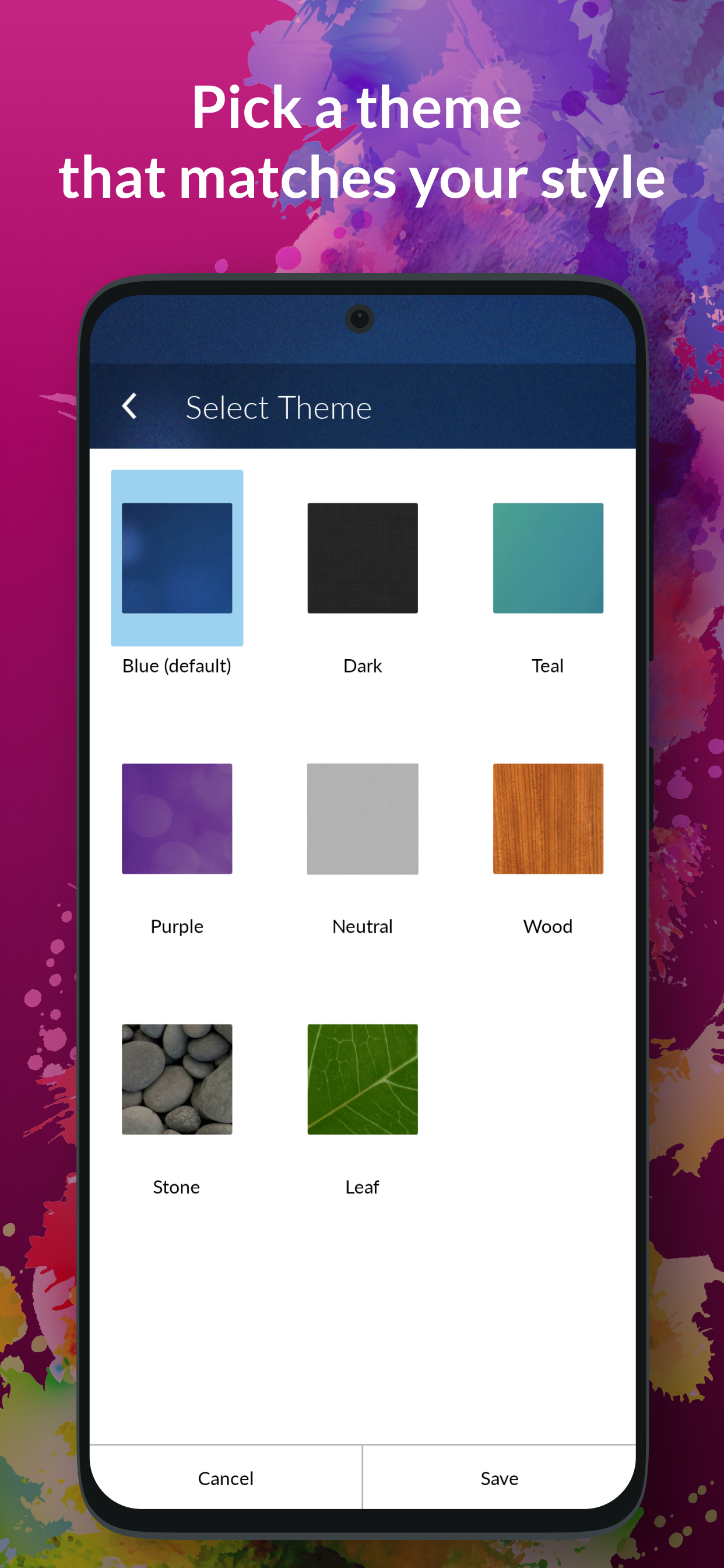
Email Client - Boomerang Mail includes 16 screenshots in the current listing data. Use them to confirm the interface, account prompts, ads, paywalls, editing tools, game style, or workflow before you open the source page. Screenshots are evidence of presentation, not independent proof of package behavior.
Use case fit
Email Client - Boomerang Mail is summarized as: "Android's most productive email client! Great Gmail email experience!" Compare that promise with the screenshots, category, update notes, and related apps before installing.
Version and compatibility
The listing shows version 0.17.003, Android requirement not listed, package size not listed, and last update Nov 14, 2025. These details matter because older devices, large packages, and stale updates can change the install experience.
Privacy and permissions
Email Client - Boomerang Mail does not include a permission list in the current metadata, so review the source listing and Android install prompt carefully.
Review checklist
- Confirm the developer name and source listing before installing.
- Review version, Android requirement, package size, and update date.
- Compare requested permission access with the feature you actually need.
- Read recent change notes and ratings as signals, not as guarantees of safety.
Comparison prompts
- Compare Email Client - Boomerang Mail's developer and source link with other Productivity options before installing.
- Check whether version 0.17.003 and Android not listed match your device.
- Review the source listing carefully because FungoApp does not currently have a permission list for this app.
- Compare against related listings such as ZENTRA Utility and Honeywell Device Utility for feature scope and privacy tradeoffs.
Publisher notes
- FungoApp organizes public listing metadata into review notes and comparison checklists for Email Client - Boomerang Mail.
- FungoApp does not host the APK file, modify the app package, or claim independent file verification from the current data.
- The 4.3 rating is positive, though rating volume and recent reviews should be checked on the source listing before treating it as a strong quality signal. 500,000+ installs provide a modest adoption signal; compare it with category fit and developer transparency.
Developer-provided description
Featuring advanced functionality like meeting scheduling, snoozing emails, recurring email set up, scheduling email, response tracking, Inbox Pause, read receipts, advanced search with filters, and more. This is the email client and meeting scheduling app you've been dreaming about. These features, combined with an intuitive gesture system and eye-catching design, make Boomerang the best way to access Gmail and Outlook messages and schedule meetings and emails on your phone.
If you are having trouble with our Android email app, please EMAIL US at [email protected] so we can help. It is much easier to troubleshoot via email than via reviews!
FEATURES
• Email Scheduler/Schedule messages to send later
• Pause your inbox
• Set up recurring emails
• Read receipts
• Snooze email messages
• Track responses to the emails you send
• Read receipts & click tracking
• Customizable multi-gesture support
• Boomerang to a location
• Meeting scheduling
• Suggest Times
• Share/Free Busy
• Bookable Schedule
• Create an event from an email
• Inbox Widget and Unread Count 1x1 Widget
• Support for Gmail and Microsoft Outlook accounts
• Available in German, Spanish, French, Japanese, Korean, and Portuguese
• Push notifications including priority notifications
• Support for "Send as" feature
• Account/mailbox specific themes
• Tablet optimized layouts
• Advanced Search using filters through all your messages across all Gmail labels and Outlook folders
• Access to all labels
• Multi-select messages/bulk select messages
• Multi-account support with easy account switching
• Integration with your phone contacts for auto-complete
• Email signatures
• View and include attachments
• Infinite Inbox scrolling
• Ability to view and edit drafts
• Auto-complete email addresses as you type
FAQs
What email providers can I use with Boomerang?
Boomerang works with Microsoft Outlook, Gmail, Google Workspace accounts.
How is Boomerang different from the Gmail app or stock email app?
The Boomerang email app is more powerful than the included Gmail and other email apps. It provides features that the Gmail app does not:
• Track responses to your emails
• Pause your Inbox
• Read receipts
• More powerful snooze
• Schedule messages to send later
Is Boomerang localized for non-English languages?
Boomerang is currently localized in German, Spanish, French, Japanese, Korean, and Portuguese.
COMING SOON
• Offline support
★★★★★ Our goal is to make the best email app. If you want to suggest new features, improvements, or report bugs and issues, please email [email protected] with any feedback.
TESTIMONIALS
“More than a clever reminder system, the app uses gesture controls (swipe right to archive, left for snooze and other options) and can schedule outgoing emails, too.” -Engadget.com
“Boomerang allows users to schedule messages to send at a predetermined date and time, or "boomerang" them back into their inbox if there's no reply or if a message requires follow-up.” -AndroidPolice.com
“The app offers a few options above and beyond what Google’s offering provides. In addition to being able to schedule emails, you can also snooze received messages and track responses to emails you’ve sent.”
"It's not easy to beat the built-in Gmail app, but Boomerang manages to pull it off pretty well." -Lifehacker.com
Note: We ARE NOT affiliated with or endorsed by Gmail, Google, or Microsoft, though we are glad to be part of their ecosystems!
Requirements (Latest version)
Android requirement is not listed in the current metadata.


