

Video Preview




About this listing
Framelapse 2 Time Lapse Camera is listed with version, update, developer, screenshots, permissions, source, and compatibility details from the available app metadata.
APK and source facts
Before you install
- Android requirement is not listed in the current data.
- Package size is not listed in the current data.
- The source link points to a Google Play listing.
Listing evidence
Framelapse 2 Time Lapse Camera includes version 11.7, last update Jan 13, 2025, 32 screenshots, privacy policy link in the current metadata.
The current metadata notes that permission list is not available.
FungoApp review for Framelapse 2 Time Lapse Camera
Framelapse 2 Time Lapse Camera by Neximo Labs is listed in Photography. This page organizes the available metadata into a practical review format, including version 11.7, Android requirement not listed, update date Jan 13, 2025, rating 3.3 out of 5, and install signal 5,000,000+.
Browse Android app listings with metadata, source links, version details, compatibility notes, screenshots, and permission signals that help you compare apps before installing. For Framelapse 2 Time Lapse Camera, use the details below as a checklist before you decide whether the app fits your device, privacy expectations, and use case.
Install decision context for Framelapse 2 Time Lapse Camera
Framelapse 2 Time Lapse Camera is best reviewed as a Photography listing from Neximo Labs, not as a direct APK file from FungoApp. The current signals show version 11.7, Android requirement not listed, last update Jan 13, 2025, rating 3.3 out of 5, install signal 5,000,000+, and monetization that does not list ads in the current data and offers in-app purchases. Use those signals together: a popular listing can still be a poor fit if the permissions, update age, or account requirements do not match your intended use.
Use-case fit analysis
Framelapse 2 Time Lapse Camera is presented around this purpose: "Capture stunning time-lapse images and videos with the press of a button." A good fit is more likely when that purpose matches the category, screenshots, version history, and the kind of access the app requests. If you only need a narrow task, compare this listing with simpler alternatives before leaving FungoApp for the external source.
Permissions and privacy interpretation
Framelapse 2 Time Lapse Camera does not include a permission list in the current FungoApp data. That missing field reduces review confidence, so readers should check the Android install prompt and source listing before using personal data or granting sensitive access.
Version and update interpretation
The listing shows version 11.7, updated Jan 13, 2025, package size not listed, and Android requirement not listed. Newer updates can indicate maintenance, but the practical question is whether the listed Android requirement fits your device and whether recent changes explain why the app needs its current permissions and storage footprint.
Screenshot review prompts
Framelapse 2 Time Lapse Camera includes 32 screenshots in the current listing data. Use them to confirm the interface, account prompts, ads, paywalls, editing tools, game style, or workflow before you open the source page. Screenshots are evidence of presentation, not independent proof of package behavior.
Use case fit
Framelapse 2 Time Lapse Camera is summarized as: "Capture stunning time-lapse images and videos with the press of a button." Compare that promise with the screenshots, category, update notes, and related apps before installing.
Version and compatibility
The listing shows version 11.7, Android requirement not listed, package size not listed, and last update Jan 13, 2025. These details matter because older devices, large packages, and stale updates can change the install experience.
Privacy and permissions
Framelapse 2 Time Lapse Camera does not include a permission list in the current metadata, so review the source listing and Android install prompt carefully.
Review checklist
- Confirm the developer name and source listing before installing.
- Review version, Android requirement, package size, and update date.
- Compare requested permission access with the feature you actually need.
- Read recent change notes and ratings as signals, not as guarantees of safety.
Comparison prompts
- Compare Framelapse 2 Time Lapse Camera's developer and source link with other Photography options before installing.
- Check whether version 11.7 and Android not listed match your device.
- Review the source listing carefully because FungoApp does not currently have a permission list for this app.
- Compare against related listings such as Glow HDR: Ultra HDR converter and Photo Collage Maker PhotoFrame for feature scope and privacy tradeoffs.
Publisher notes
- FungoApp organizes public listing metadata into review notes and comparison checklists for Framelapse 2 Time Lapse Camera.
- FungoApp does not host the APK file, modify the app package, or claim independent file verification from the current data.
- The 3.3 rating suggests readers should compare recent reviews, alternatives, and the app's stated purpose carefully. 5,000,000+ installs indicate broad usage, which helps with discovery but does not prove the package is appropriate for every device or privacy expectation.
Developer-provided description
🎞️ Effortlessly record high quality time lapse or fast motion footage with instant playback, no rendering time needed!
🎬 Create unlimited content with no ads, even internet permission not requested! App built with user privacy and security at its core.
🆕 Get ready for the new iteration of Framelapse. This version has the latest updates and exciting new features.
✨ FEATURES:
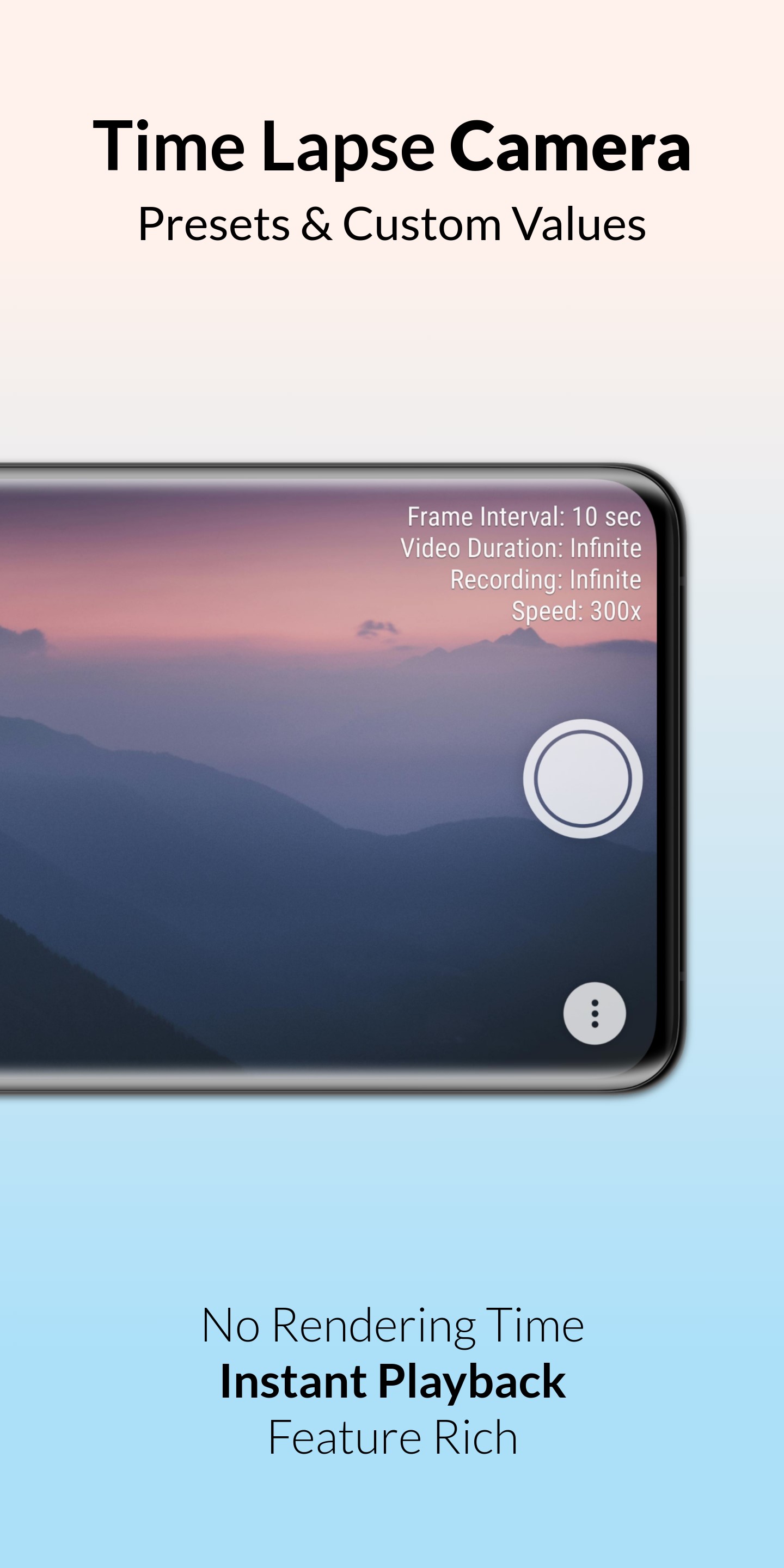
• Frame interval to adjust capture frequency.
• Capture video, images or both together.
• Instant playback, no rendering time.
• Set duration to auto-stop recording.
• Video resolution up to 2160p 4K*.
• Front and back camera support.
• Storage with SD Card support.
• Video frame rate options.
• Inbuilt app guide and FAQ.
• Self timer and colour effects.
• Focus options and zoom range.
• Timelapse visible in device gallery.
• Dynamic preview with no cropping.
• Displays length of video being recorded.
• White balance and exposure compensation.
• Inbuilt calculator to estimate recording duration.
* Support for certain features determined by device camera hardware.
✨ ADVANCED FEATURES:
• Custom intervals starting from 0.1 seconds.
• Save space by directly recording to video.
• Black screen option while recording.
• View free space, battery and time.
• Timestamp in image mode.
• Custom video duration.
• White balance lock.
• Remote shutter.
• Exposure lock.
• Video stabilisation.
• Preset wizard mode.
• JPEG image quality control.
• MP4 video bitrate adjustment.
• Custom timer for recording delay.
🌟 BRAND NEW FEATURES:
🖼️ CAPTURE IMAGES let's you store high resolution pictures captured by the device camera with or without video. Works like an intervalometer for professional quality output.
⏱️ SPEED OPTIONS allow you to directly change speed value relative to real-time (starting from 1x to 999x). Thus, avoiding any hassle to calculate frame interval yourself. Scene based suggestions are also included in this feature!
🪄 CUSTOM WIZARD gives you access to custom values in wizard mode instead of being limited to presets. Very useful if you know the time duration you will record for.
🎨 APP THEMES has over 20 beautiful app themes ranging from dark to light hues, to go along with your personal taste. You've got to try 'midnight ocean' and many more!
𖣐 REMOTE SHUTTER and ULTRA VIEW also come as bonus features. Remote shutter allows you to control camera with volume buttons or bluetooth remote. Ultra view adds advanced information such as capture quality, storage left, battery and time to the camera preview which helps to see overview in a single glance..
💠 So, let's discover beautiful new patterns in everyday events which remain invisible to our eyes. Watch the setting sun in a few seconds or a journey in a minute and prepare to be amazed. Record amazing timelapse and hyperlapse videos with ease now.
Please note on most devices turning on video optimisation inside HQ button>Advanced, can help improve performance.
🏆 We are proud to announce Framelapse has been supported on the Google Play Store for over a decade now!
❄️ The most loved time lapse, intervalometer and fast motion app has gotten even better with the release of 11th Anniversary Winter Update!
Requirements (Latest version)
Android requirement is not listed in the current metadata.


